LAUNCH X-431 Throttle User Manual
83
system will continue the testing. Tap
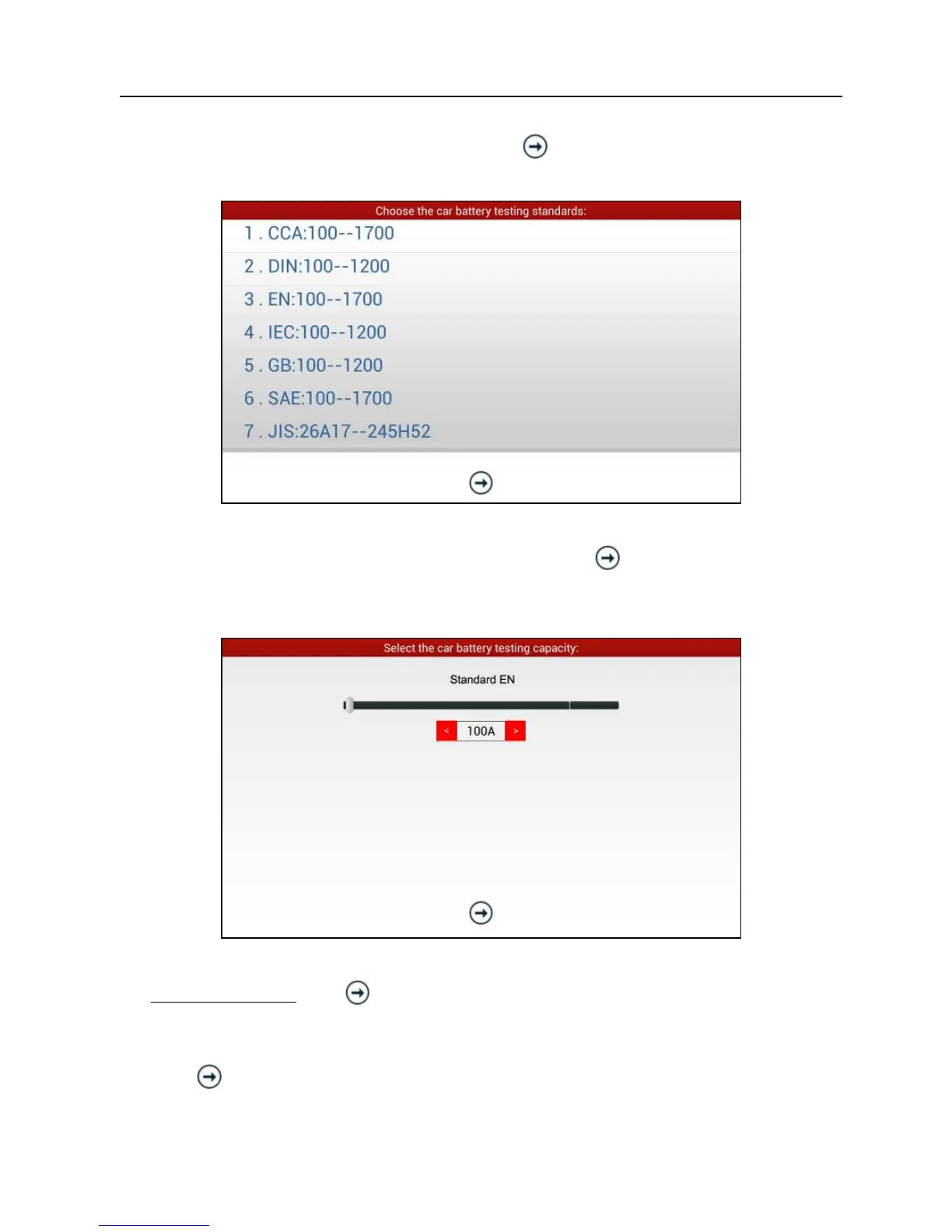
, it will enter testing standard
selection screen.
Fig. 11-5
6. Select a testing standard except for JIS and tap
, a screen similar to Fig.
11-6 will appear. Users can adjust capacity size by tapping on < or > or by
dragging the slider on the bar.
Fig. 11-6
If JIS is selected, tap
, the system will enter Select testing capacity screen.
Users can select corresponding standard capacity value according to battery
model marked on battery.
7. Tap
and the testing result will appear on the screen.















 To Next Page