f ) NETWORK CONFIGURATION BUTTON
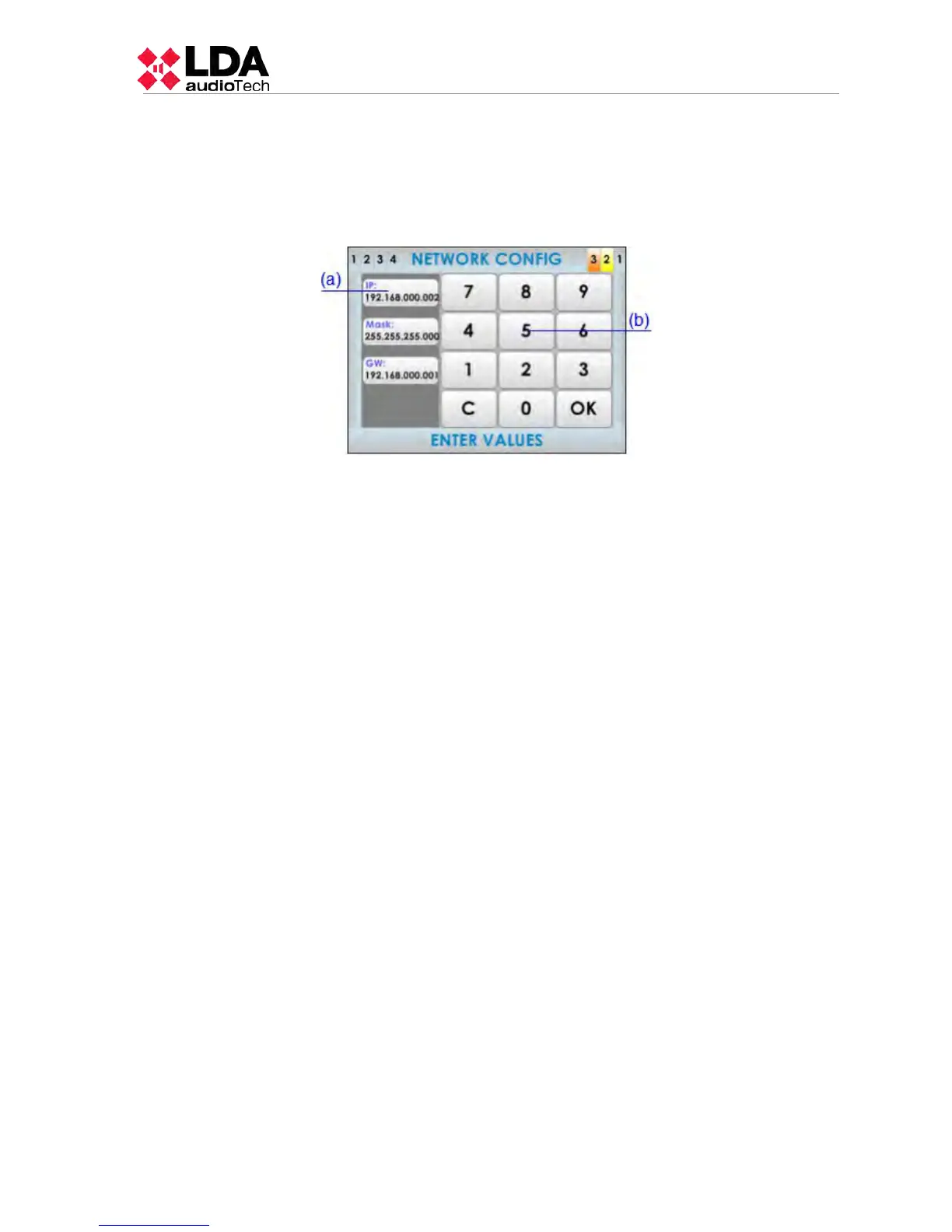
The network configuration button, enters into the equipment's network configuration menu.
NOTE: You must press the OK button present in the numbers keyboard, as shown in the
following picture, to save changes in the configuration.
(g) DATE AND TIME SETTINGS/ IDENTIFY EQUIPMENT
It allows you to set the date and time manually.
NOTE: When linking the equipment to the Configuration software, the equipment will be
automatically synchronized with the PC's date and time.
When the selected equipment is an Extension unit (not the number 1), this button will change
and allows you to identify the equipment visually. When pressing the button, the frontal led
light of the selected item will blink for a few seconds.
(h) DISCOVER / UNLINK EQUIPMENT
The discover button searches for all the Extension units connected in the network. The
equipment units found will be shown in the system's equipment list buttons.
When the selected equipment is an Extension unit (not the number 1), this button will
change and allows you to unlink an equipment from the system.
LDA Audio Tech - Severo Ochoa Nº 31- 29590 MÁLAGA, ESPAÑA. Tlf: +34 952028805
31



 To Next Page