EN
110
TAGGING/RATING OF RECORDINGS
Recordings can be tagged as favorites to fi nd them quicker or to
simplify the later deletion of multiple recordings. Tagging can be
done in regular view mode or in the overviews.
Tagging a recording
Press the left setting wheel button
• The recording is marked with
. The icon will appear in the
header line on the far right when viewing images in full size,
and in the top left corner of the thumbnail in overview mode.
Removing a tag
Press the left setting wheel button
• The
marking disappears.
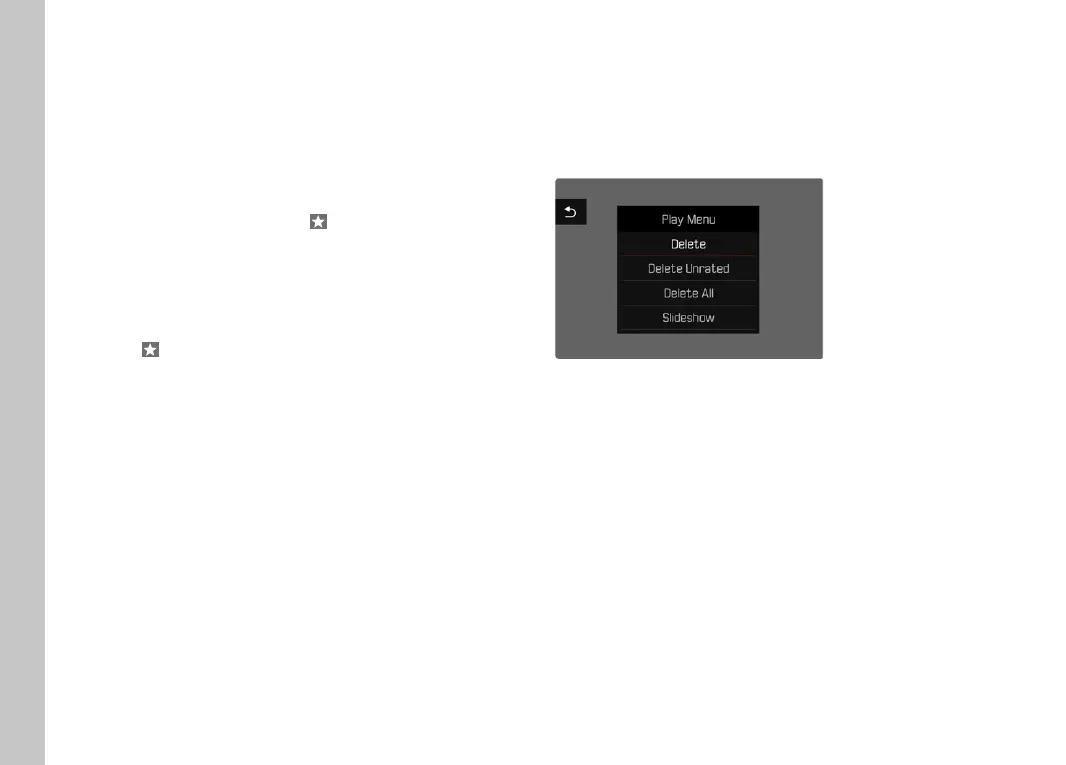
DELETING RECORDINGS
There are several methods available to delete recordings:
– Deleting individual recordings
– Deleting multiple recordings
– Deleting all recordings without a tag/ranking
– Deleting all recordings
Important note
Once deleted, recordings are no longer retrievable.
Playback/Review mode



 To Next Page