EN
44
MENU NAVIGATION
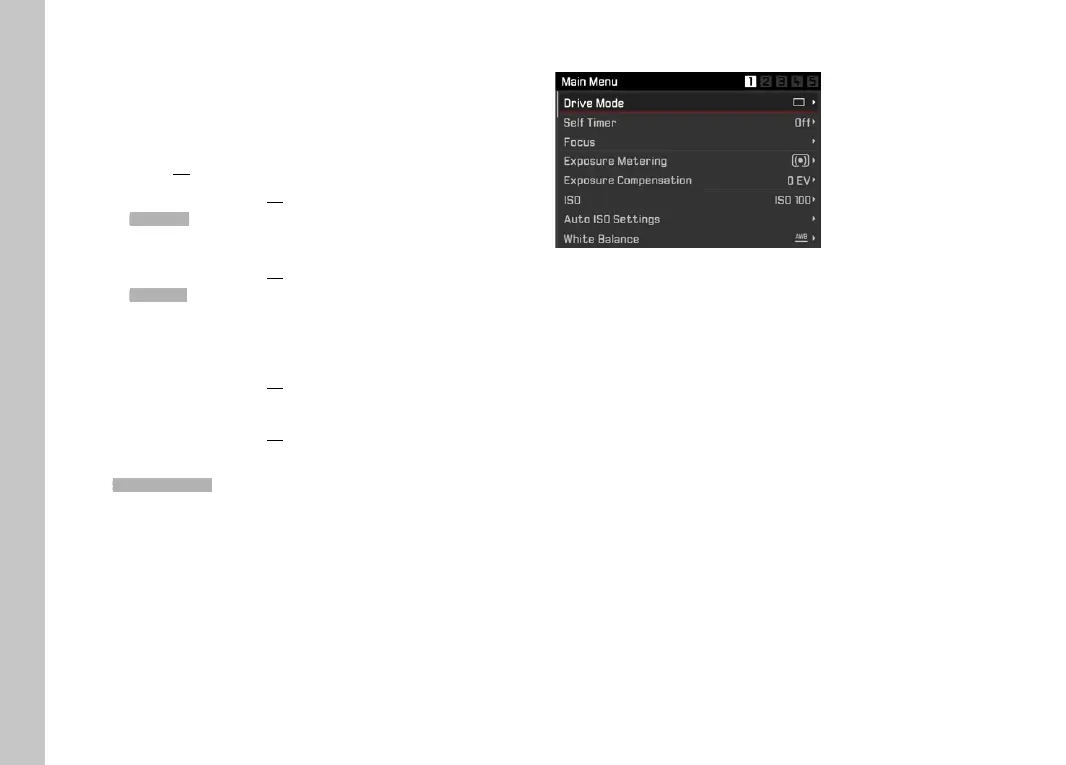
DISPLAY “HOME” SCREEN
(INITIAL MENU CONTROL SCREEN)
In picture mode
– if there are no menu items assigned to the favorites menu:
Press the
MENU button 1x
•
Main Menu appears.
– if at least one menu item was assigned to the favorites menu:
Press the
MENU button 1x
•
Favorites menu appears.
Getting back to the main menu
– if the favorites menu consists of one page:
Press the
MENU button 1x
– if the favorites menu consists of 2 pages:
Press the
MENU button 2x
or
Select Main Menu (last item in the favorites menu)
In Playback/Review mode
Tap the shutter button
• back to picture mode
Press the
MENU button
• The Home screen is displayed
SHOW SUBMENU
Press the center button
or
Press the directional pad to the right
or
Press the right setting wheel button
Camera operation



 To Next Page