EN
45
NAVIGATING WITHIN THE MENUS
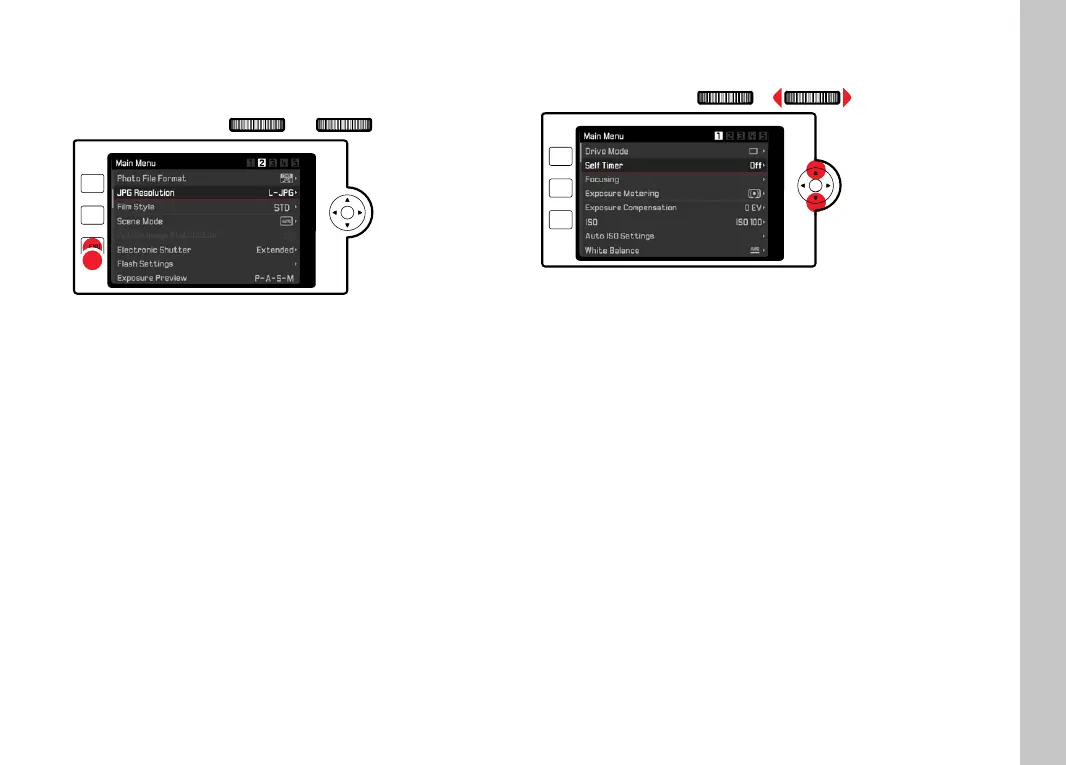
Page by page navigation
PLAY
FN
MENU
Press the MENU button
• Continuous scrolling will return the main menu to Screen 1
after Screen 5.
• Back to the favorites menu:
Press the shutter button
Press the
MENU button
Line by line navigation
(Function/function option selection)
PLAY
FN
MENU
Press the directional pad up/down
or
Turn the right setting wheel
(to the right = down, to the left = up)
• Once the last menu item has been reached scrolling up or
down, the display will automatically jump to the previous or
next screen.
Note
• Some menu items can only be accessed under specifi c
circumstances. The text in the relevant line is displayed in gray
to signify the existence of a submenu.
Camera operation



 To Next Page