EN
37
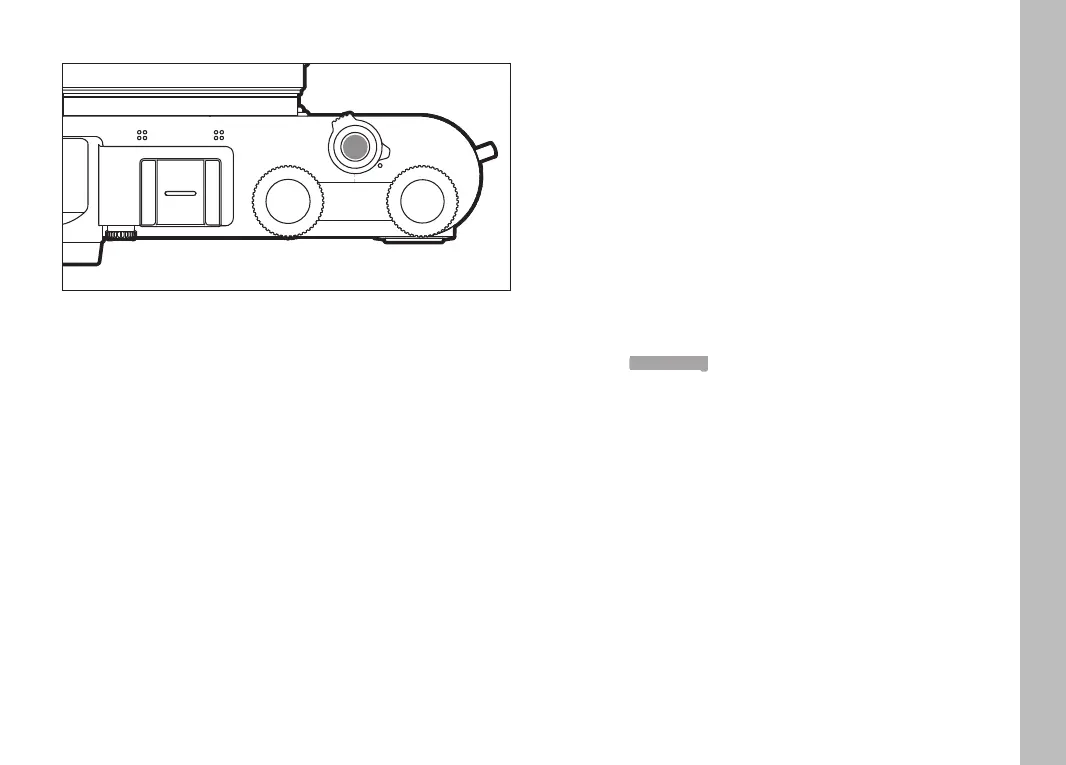
SHUTTER BUTTON
The shutter button works in two stages.
1. Tapping (= Pressing the shutter button to the 1st pressure
point)
– activates the camera electronics and rangefinder display
– saves the metered exposure value in aperture priority
mode, i.e. the shutter speed calculated by the camera
– stops a running self-timer delay time
– reverts the camera back to picture mode:
– if playback mode is set
– if menu control is active
– if the camera is in Standby mode
2. Press down fully
– to take the picture
• The data is then transferred to the memory card.
– starts a preselected self-timer delay
Notes
• Press down the shutter button in a smooth motion until you hear
the click of the shutter to prevent camera shake.
• The shutter button remains locked
– if the memory card inserted and the internal buffer memory
are (temporarily) full.
– if the battery has exceeded its performance limits (capacity,
temperature, age).
– if the memory card is write-protected or damaged.
– if image numbering on the memory card has reached its limit.
– if the camera prompts for language, date and time settings at
first use or after a reset.
– if the sensor is too hot.
• When the shutter button is released, camera electronics and
viewfinder displays remain active for the time set in the main
menu item Power Saving.
Camera operation



 To Next Page