EN
113
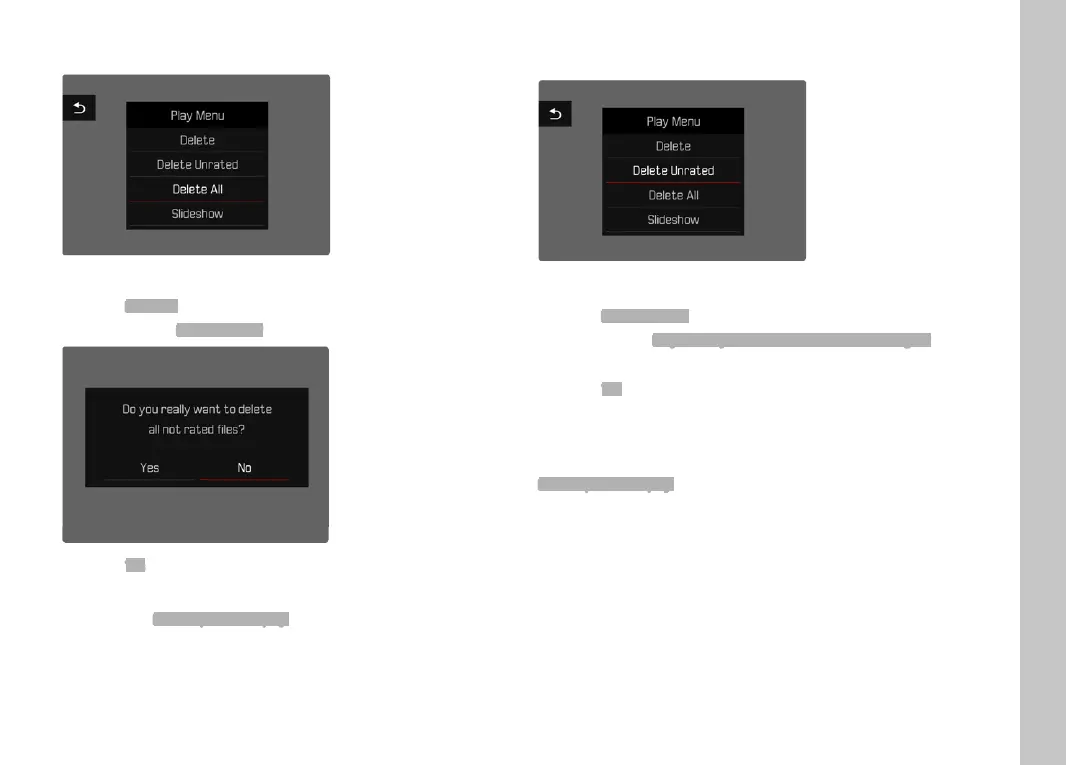
DELETING ALL RECORDINGS
Press the MENU button
Select
Delete all in the Review menu
• The prompt
Delete all files? appears.
Select Yes
Note
The message
No valid picture to play. appears after successful
deletion. The same picture is displayed again if deletion was
unsuccessful. When deleting several or all pictures/recordings, a
notifi cation screen may appear for the time needed to process the
data.
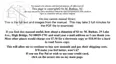
DELETING UNRATED RECORDINGS
Press the MENU button
Select
Delete unrated in the Review menu
• The prompt
Do you really want to delete all unrated images?
appears.
Select
Yes
Note
The LED will fl ash during the deletion process. The next marked
recording appears once deletion is complete. The message
No valid picture to play. appears if no other recordings are saved on
the card.
Playback/Review mode


 To Next Page