EN
40
PLAY BUTTON/FN BUTTON/MENU BUTTON
PLAY
FN
MENU
LEICA CAMERA WETZLAR GERMANY
PLAY
FN
MENU
LEICA CAMERA WETZLAR GERMANY
PLAY BUTTON
– Activation and deactivation of the (continuous) review/playback
mode
– Return to full-screen display
FN BUTTON
– Direct access to menu functions
– Direct access to delete function
MENU BUTTON
– Accessing the Favorites or Main menu
– Exiting the currently displayed (sub) menu
– Accessing the Playback/Review menu
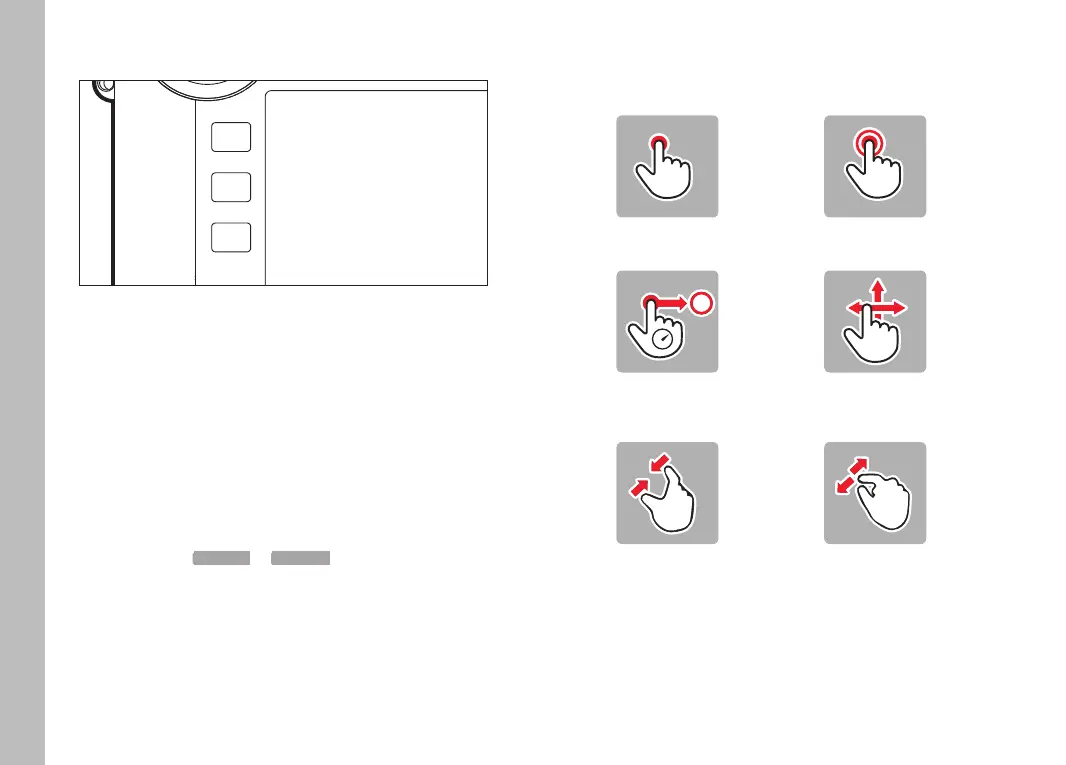
TOUCH SCREEN
TOUCH CONTROL
Tap briefly Double tap
Touch and hold,
drag and drop
horizontal/vertical
swipe
Two-finger pinch Two-finger spread
Camera operation



 To Next Page