EN
41
In picture mode
– Set the exposure metering fi eld position
(tap the desired location)
– Changing to video mode (horizontal swipe)
– Changing to review mode (vertical swipe)
In Playback/Review mode
– Changing to picture mode (vertical swipe)
– Scrolling through the picture memory (horizontal swipe)
– Zooming in/out of viewed pictures (two-fi nger pinch/spread)
– Setting an image area for viewfi nder live zoom
(double tap)
Note
A light touch is enough, do not press down.
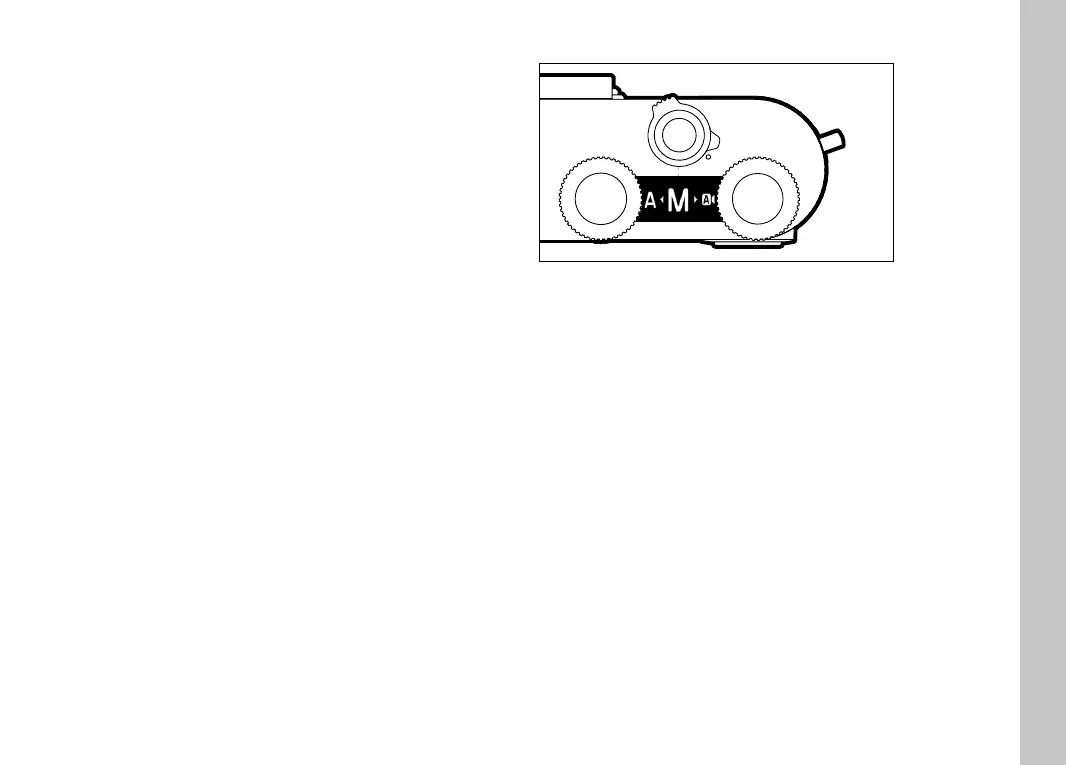
TOP DISPLAY
– Display when changing operating modes
– Set operating mode
– Information about aperture, shutter speed, exposure compensa-
tion and program shift (depending on the set operating mode)
Camera operation



 To Next Page