EN
48
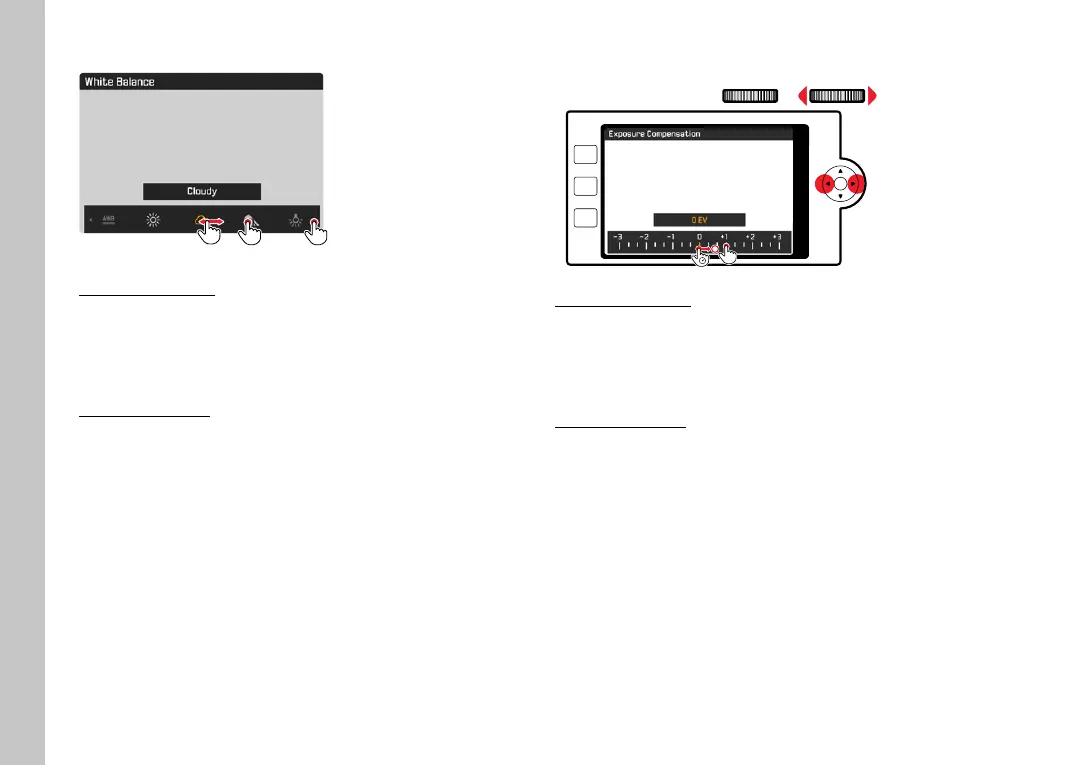
USING THE MENU BAR
Using button control
Press the directional pad left/right
or
Turn the right setting wheel
Using touch control
Select the desired function or swipe
USING THE SCALES SUBMENUS
PLAY
FN
MENU
Using button control
Press the directional pad left/right
or
Turn the right setting wheel
Using touch control
Select the desired function or swipe
Notes
• The currently active setting displayed in the center is highlighted
in yellow.
• The set value is displayed above the scale/below the menu bar.
• The selected function requires no confi rmation and will be active
immediately.
Camera operation



 To Next Page