EN
73
MANUAL SETTING VIA METERING
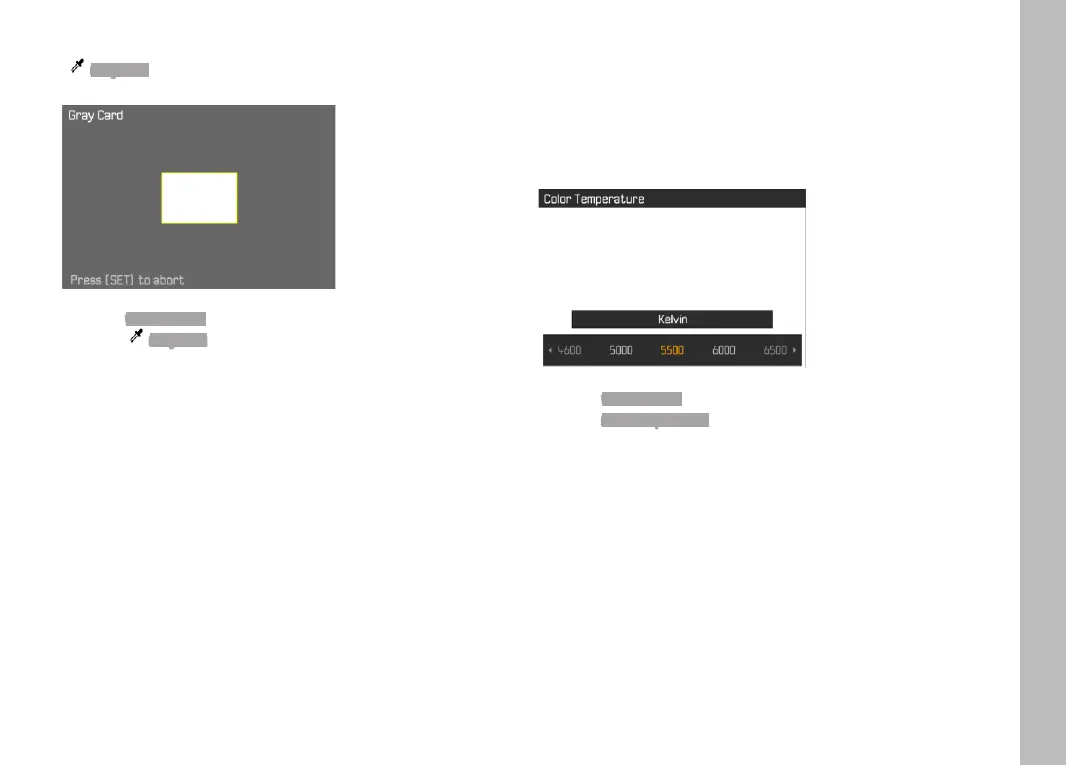
( Gray Card)
Select White Balance in the main menu
Select Gray Card in the submenu
Take the picture
• Make sure that the image field contains a white or neutral
gray (reference) surface.
• The following will appear on the LCD panel:
– the image based on automatic white balance
– a frame in the center of the image
Shutter release
Note
A value configured using this method will remain unchanged (i.e. it
will be used for all subsequent photographs) until new measure-
ments are taken or one of the other white balance settings is
selected.
DIRECT SETTING OF THE COLOR TEMPERATURE
Values between 2000 and 11,500 K (Kelvin) can be set directly.
That gives you a very wide range, which covers virtually all color
temperatures occurring in real life and within which you can adapt
color rendering to any light color and your personal preferences
with incredible detail.
Select White Balance in the main menu
Select Color Temperature in the submenu
Select the desired value
Picture Mode



 To Next Page