32
CS10/CS15 & GS Sensors, User Interface
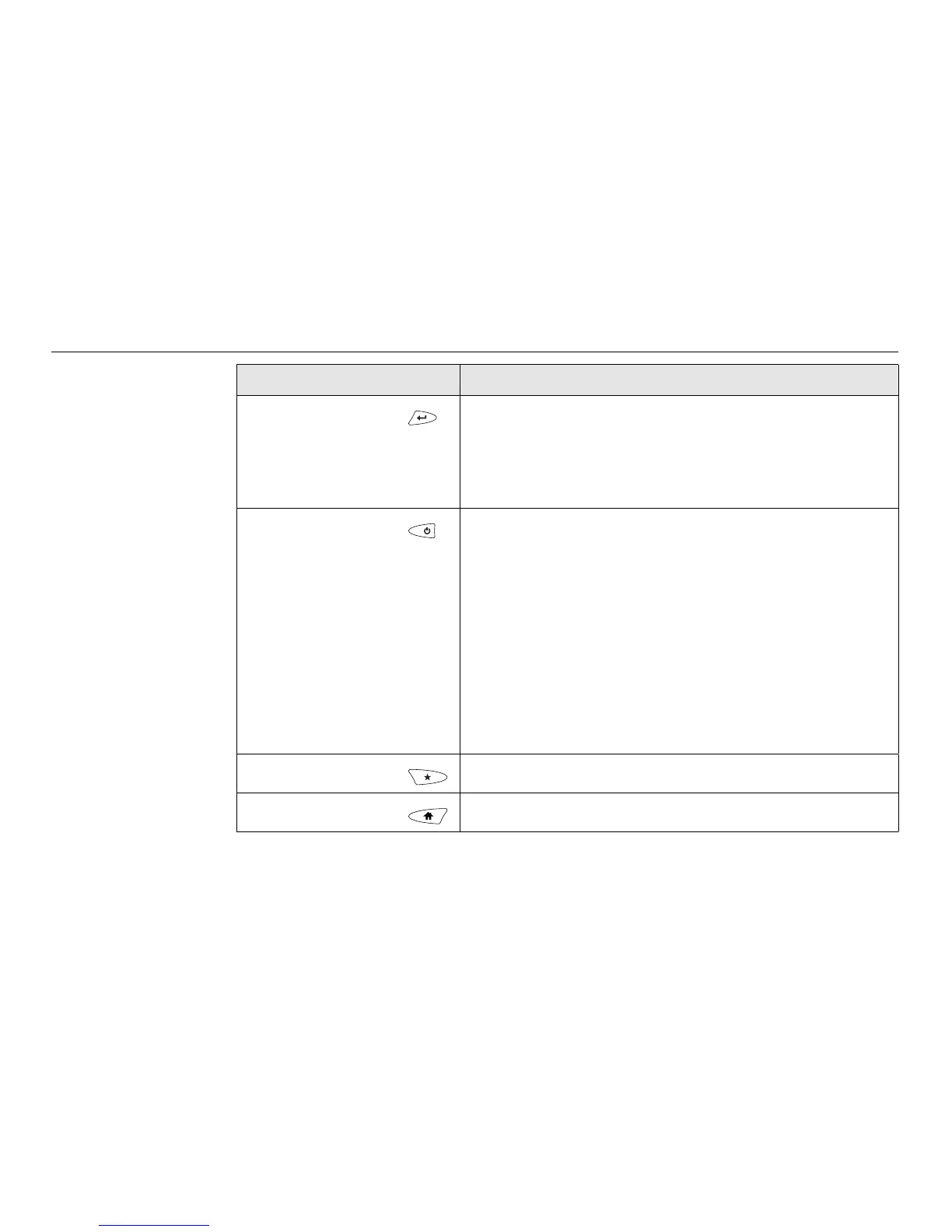
Enter Selects the highlighted line and leads to the next logical
menu/ dialog.
Starts the edit mode for editable fields.
Opens a selectable list.
ON/OFF If CS10/CS15 already off: Turns on CS10/CS15 when
held for 2 s.
If CS10/CS15 in stand-by mode: Turns on CS10/CS15
when held < 2 s.
If CS10/CS15 already on:
• Puts CS10/CS15 into stand-by mode when held
< 2 s. Refer to "Stand-by".
• Turns to Power Options menu when held for 2 s.
Refer to "Power Options menu".
• Turns off CS10/CS15 when held for 5 s.
Favourites Goes to a website by simply clicking its name.
Home Switches to the Windows CE Start Menu.
Key Function



 To Next Page