CS10/CS15 & GS Sensors, Operation 61
3.3.3 Charging the Battery
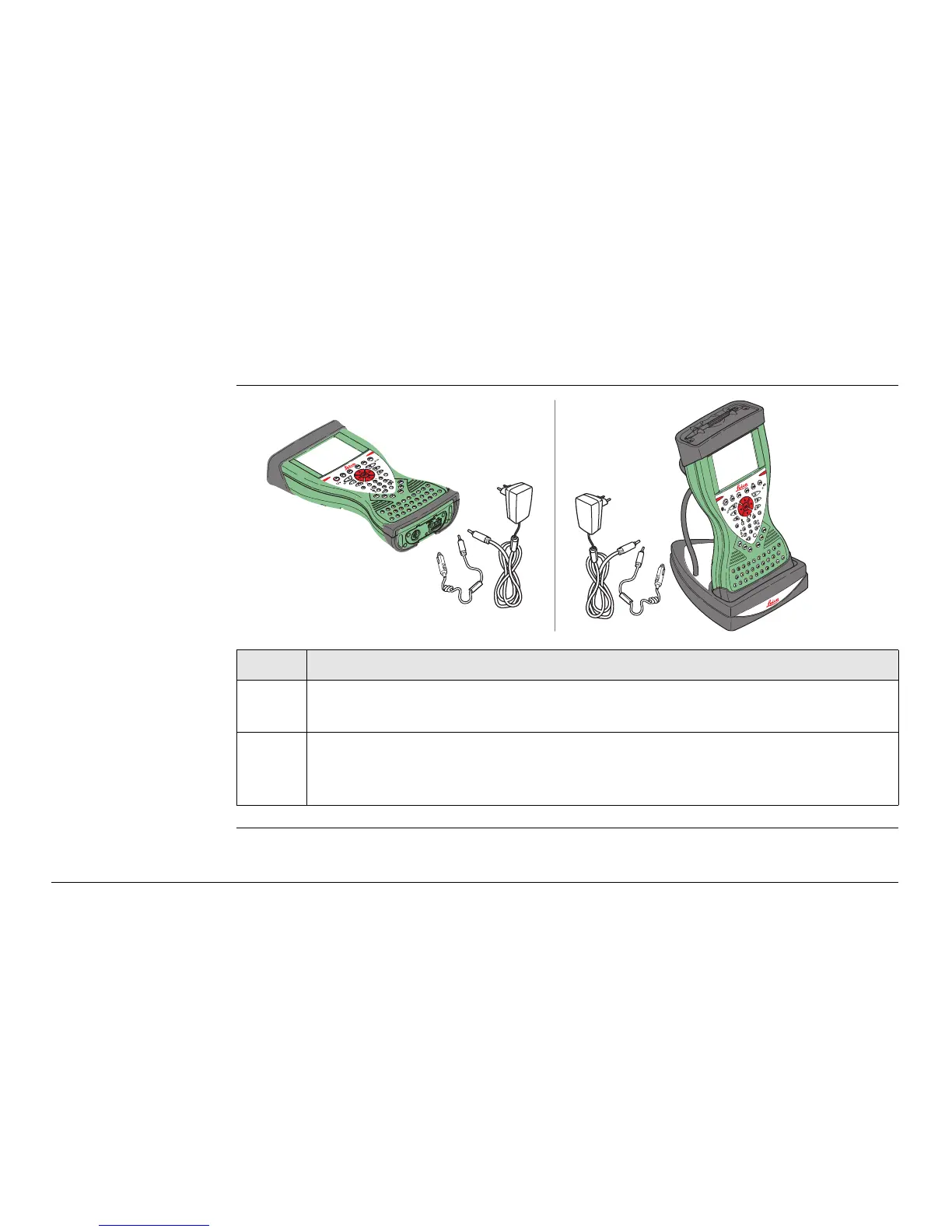
Charge battery
step-by-step
Step Description
1. Connect the GEV235 power adapter or GDC221 car adapter with the CS
field controller (A) or the docking station (B) and an A/C plug.
2. The power LED on the CS field controller switches on. When CS field
controller’s battery is fully charged the LED switches off again.
Refer to "LED indicators" for information about the power LED.
AB
CS_024



 To Next Page