40
CS10/CS15 & GS Sensors, Operation
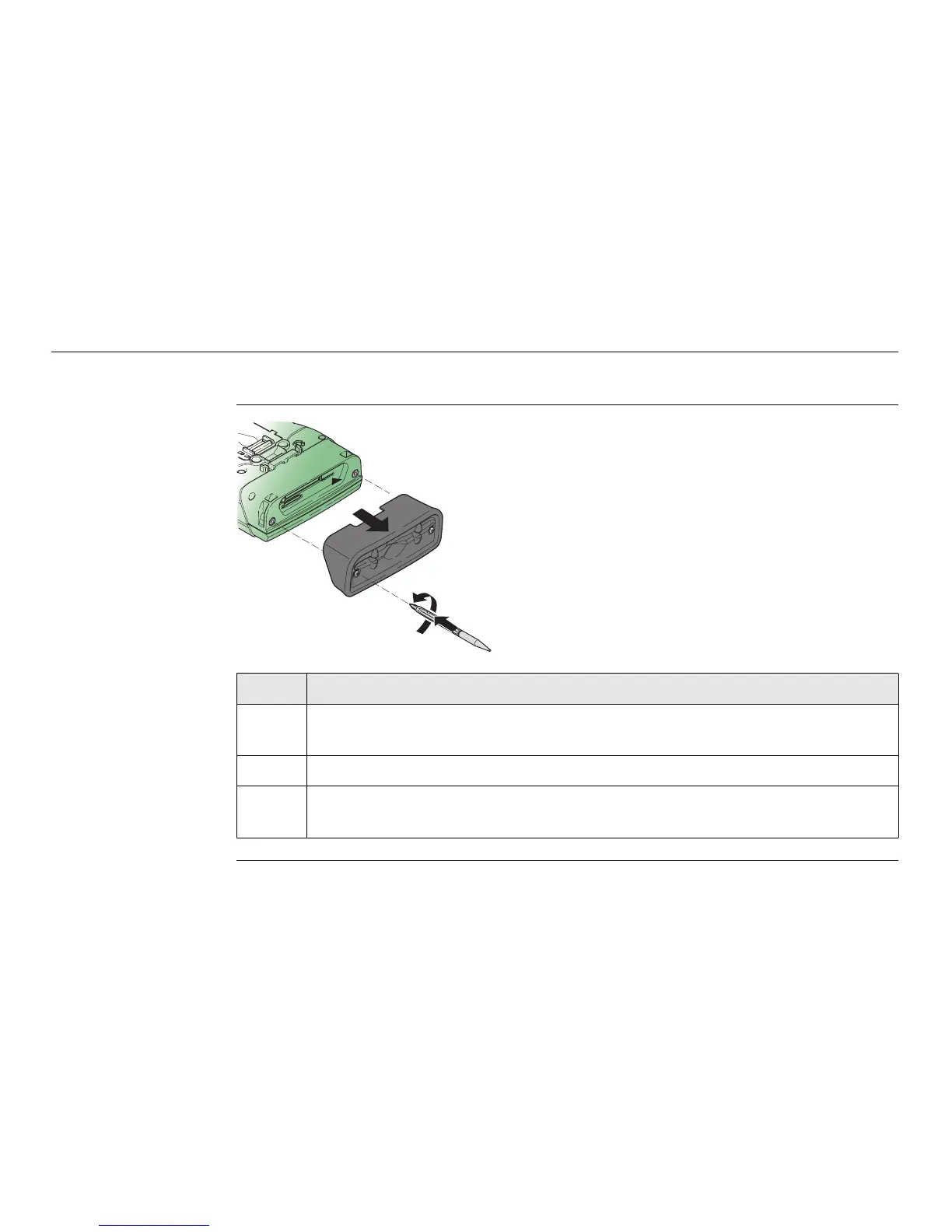
3.1.3 Fixing the Slot Cover to the CS
Fixing the slot
cover to the CS
step-by-step
Step Description
1. Press the screwdriver end of the supplied stylus on the quarter-turn screws
and loosen them.
2. Remove the slot cover.
Reattach the slot cover with the stylus, making sure the quarter-turn
screws are seated.
2
1
CS_016



 To Next Page