CS10/CS15 & GS Sensors, Operation 43
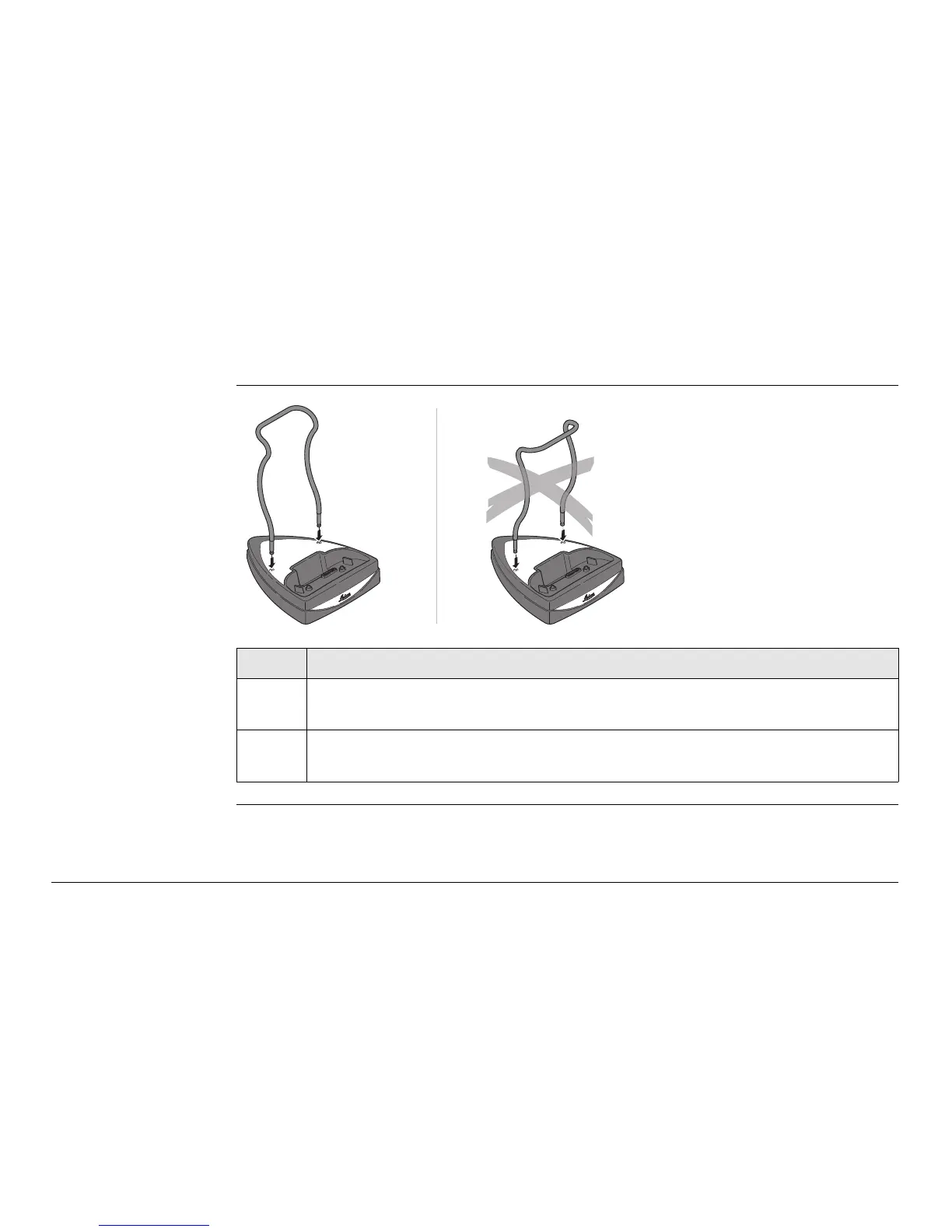
3.1.5 Setting up the Docking Station
Mounting compo-
nents of the
docking station
step-by-step
Step Description
1. Hold the docking station bracket as shown in the illustration in relation to
the docking station rack.
2. Slightly press the holder into the docking station rack. A click can be felt
when the holder is secure.
CS_027
1
1
2
2



 To Next Page