CS10/CS15 & GS Sensors, Operation 57
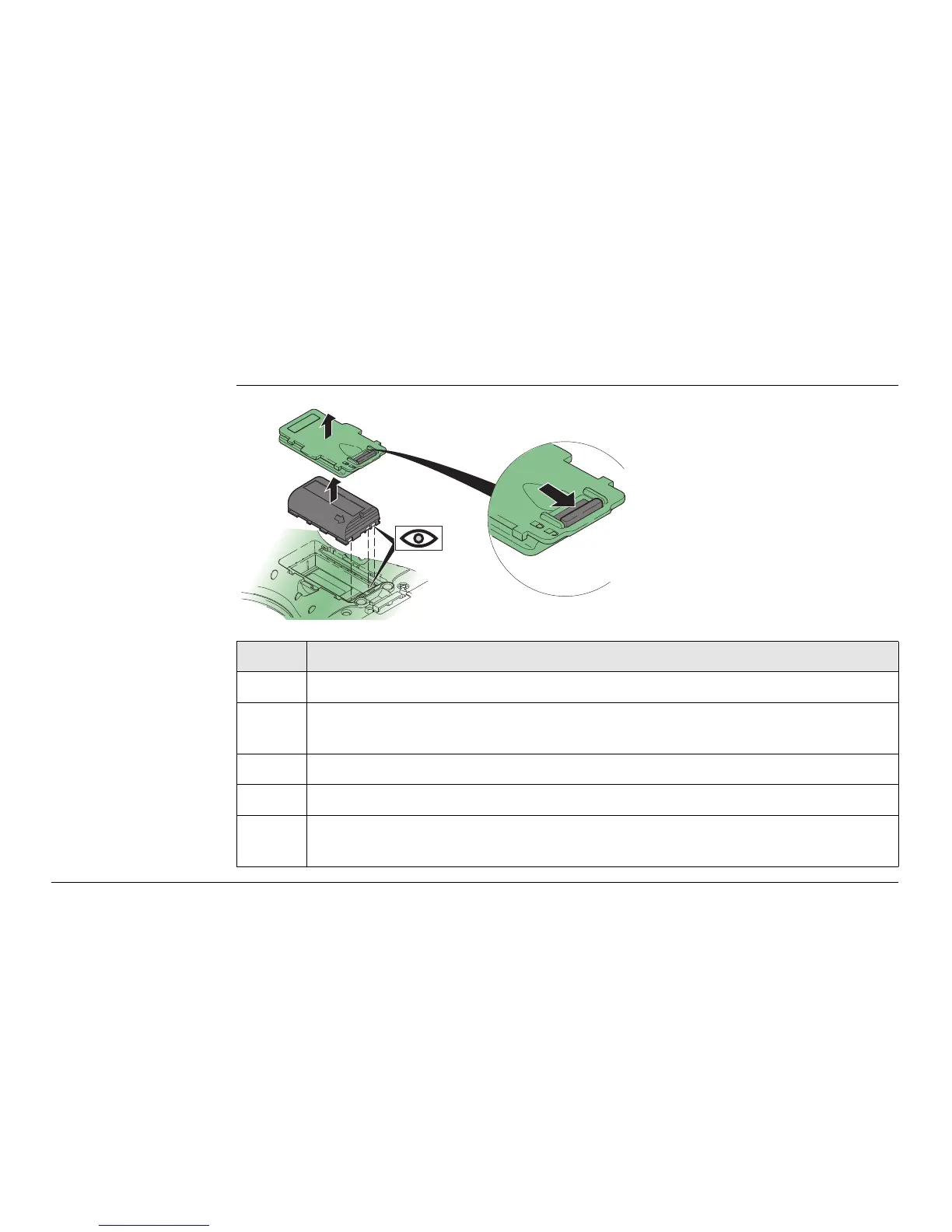
3.3.2 Changing the Battery
Insert and remove
the battery on the
CS field controller
step-by-step
Step Description
Turn CS field controller over to gain access to the battery compartment.
1. Push the slide fastener in the direction of the arrow with the open-lock
symbol.
2. Open the battery compartment.
3. Pull the battery from the battery compartment.
4. Place the battery into the battery compartment with the Leica logo facing
to the top.
1
2
3
4
CS_010



 To Next Page