46
CS10/CS15 & GS Sensors, Operation
3.1.7 Setting up as Robotic
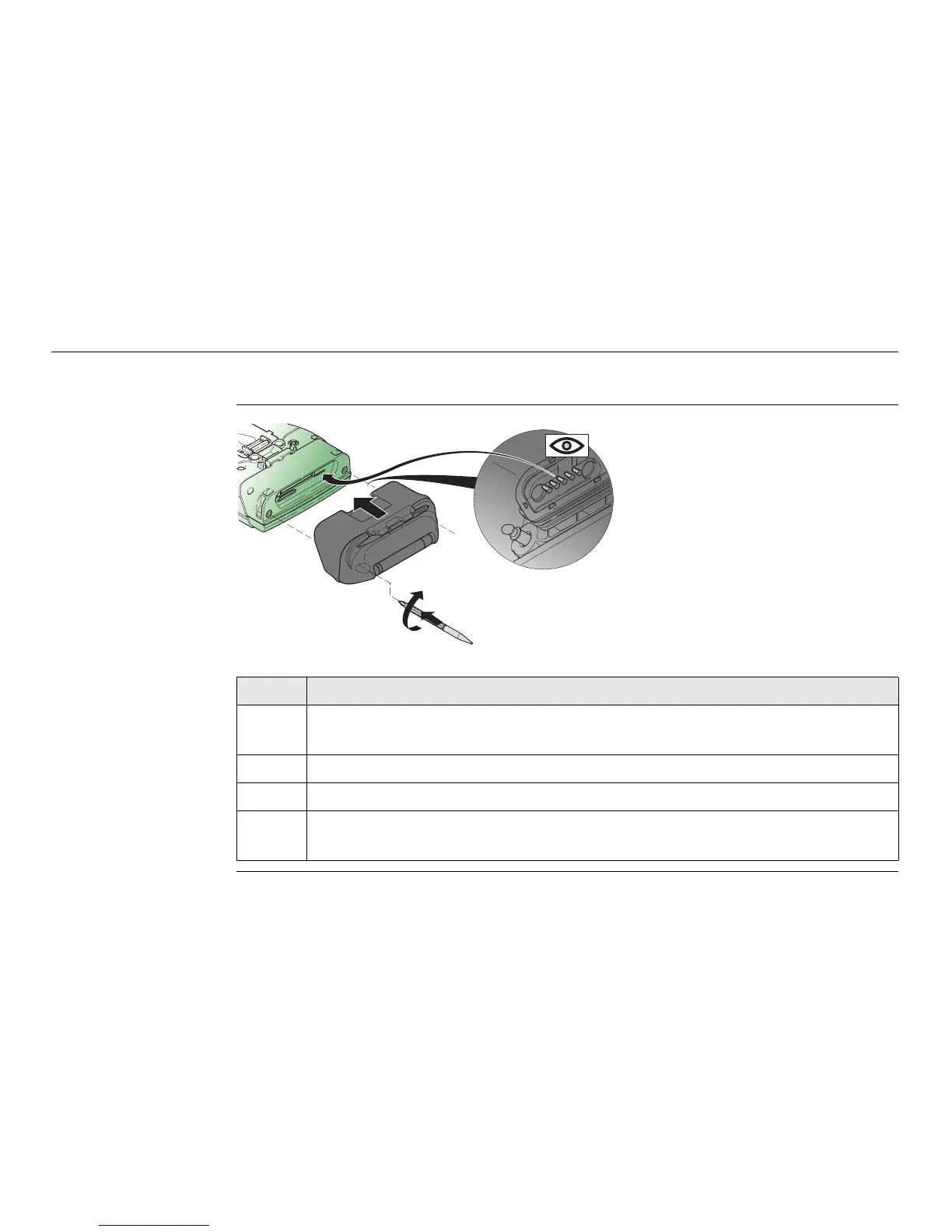
Attaching the
CTR16 to the CS15
step-by-step
Step Description
Detach the slot cover from the CS15. Refer to "3.1.3 Fixing the Slot Cover
to the CS".
1. Check the position of the contacts in the inner surface of the CTR16.
2. Attach the CTR16 to the CS15.
3. Press the screwdriver end of the supplied stylus on the quarter-turn screws
and tighten them.
CS_031
1
2
3



 To Next Page