CS10/CS15 & GS Sensors, Operation 49
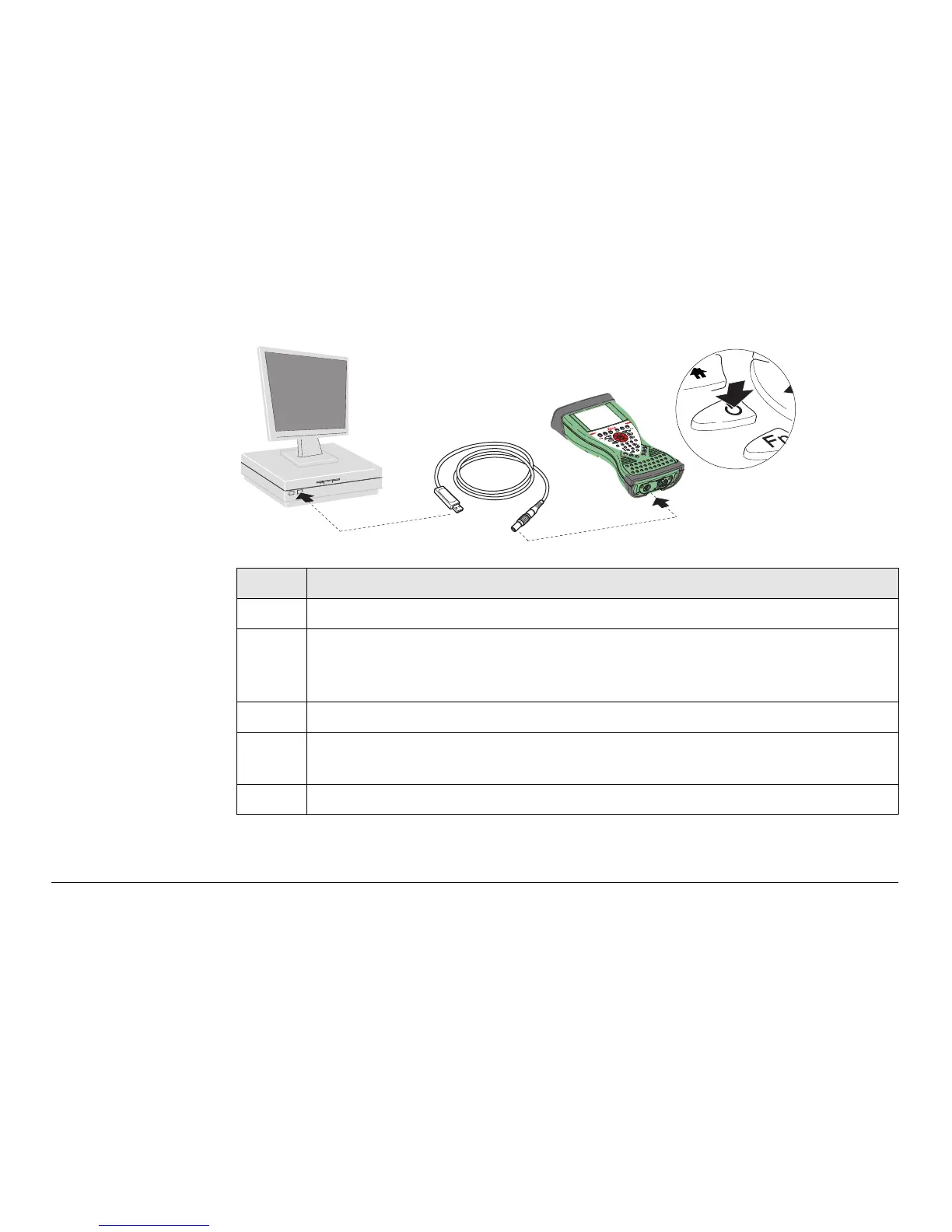
Connect USB cable
to PC for the first
time step-by-step
Step Description
1. Start the PC.
2. Plug the GEV234 cable into CS field controller.
For CS field controllers with DSUB9 connector, the GEV223 cable
has to be used.
3. Turn on the CS field controller.
4. Plug the GEV234 cable into the USB port of the PC. The Found New Hard-
ware Wizard starts up automatically.
5. Check Yes, this time only. Next>.
CS_026
2
3
4



 To Next Page