Element Description
PIN code
protection
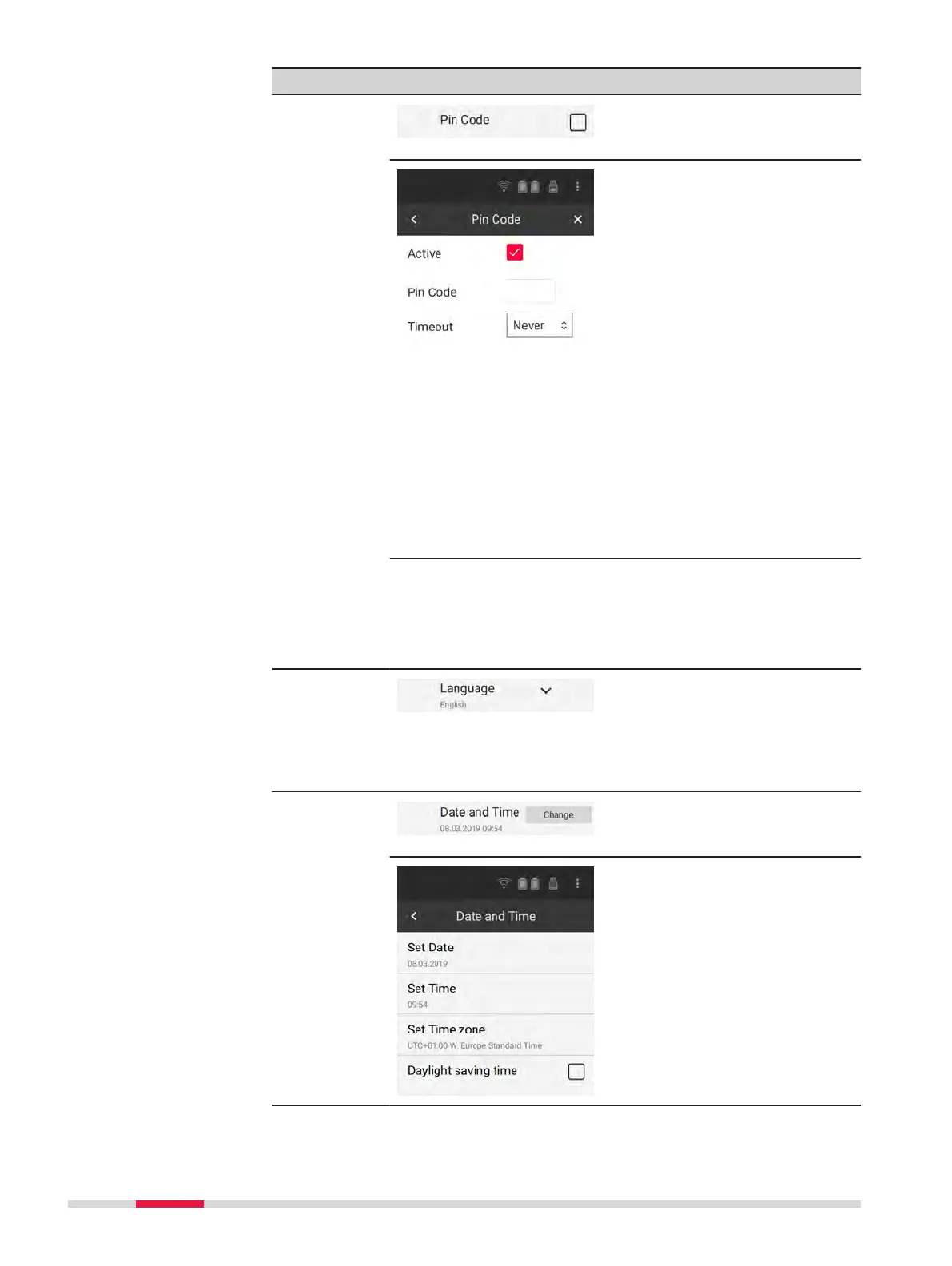
Tap the checkbox to congure
the Pin Code protection.
The Pin Code screen opens up.
Tap the checkbox to activate
protection by a PIN code.
Tap the input eld to enter a 6-
digit Pin Code.
Tap the drop-down list to select
an inactivity Timeout after
which the PIN code must be
entered.
Tap the Back arrow at the top
of the screen to conrm your
conguration and return to the
Settings screen.
Tap the Close icon at the top of
the screen to cancel your con-
guration and return to the
Settings screen.
☞
When Active, the PIN code must be entered each
time the instrument is started up or when the
timeout expires.
☞
If an incorrect PIN code has consecutively been
entered ve times, the instrument is locked. An
unlocking key must be loaded to unlock the
instrument. In order to get the unlocking key, con-
tact the Leica support.
Language
settings
Tap the arrow to select one of
the available languages from
the list.
To upload more languages use
the Upload Language File tool
(see below).
Date/Time
settings
Tap Change to open the Date
and Time screen, in which the
system time can be congured.
Tap Set Date to enter a local
date.
Tap Set Time to enter a local
time.
Tap Set Time Zone to select a
time zone.
Tap the checkbox in order to
adjust the time to daylight sav-
ing time.
36 Operation



 To Next Page