EN
246
Review mode
Notes:
• Enlarging cannot be performed on videos.
• When using an enlarged view or 12/30 display, the display with
additional information cannot be opened.
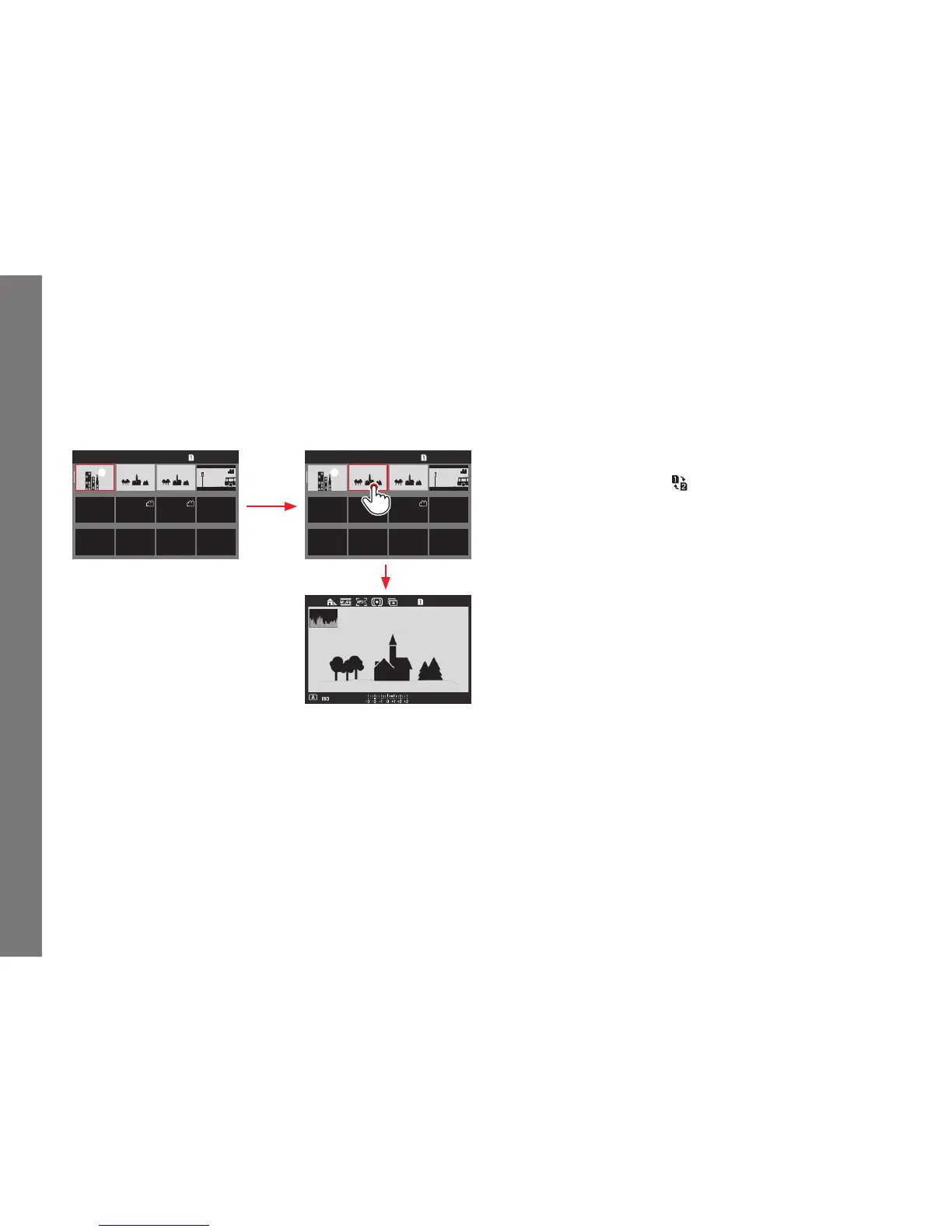
Selecting a recording in the 12/30 view
Using gesture control
L9990000 10:30 01 NOV 2015 623/1200 L9990000 10:30 01 NOV 2015 623/1200
F
2.525000
Using physical controls
1. Turn the click wheel - it moves line by line - or press the
joystick in the desired direction.
• The red frame moves accordingly.
2. Press the click wheel or the joystick inwards.
• The selected recording will be shown at its normal size.
If two memory cards are inserted containing diff erent image data,
you can immediately switch the card sourced for the 12/30 view:
Press the
BR button (marked ).
SL_EN.indd 246 16.09.2015 15:04:36



 To Next Page