EN
171
Camera operation
CHANGING THE MEMORY CARD(S)
SD, SDHC or SDXC memory cards can be used in the Leica SL.
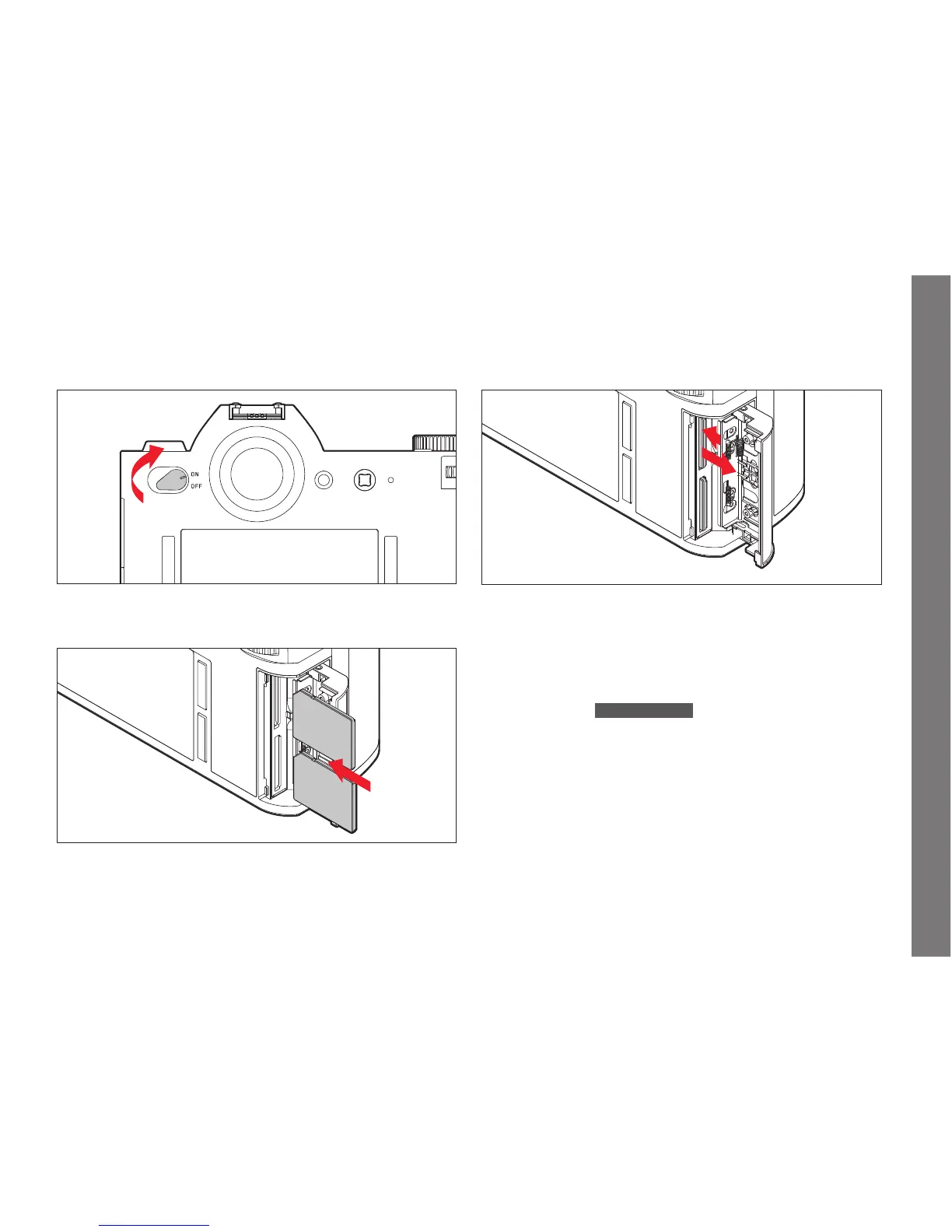
Turn off the camera.
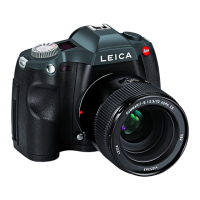
Insert a memory card.
"click"
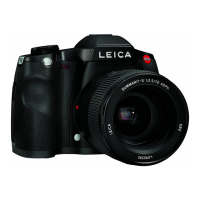
Remove a memory card.
1
2
Notes:
The card slots are numbered: Top =
1, Bottom = 2. Slot 1 operates
according to UHS II standards, slot
2 only according to UHS I. This
must be taken into account, e.g. when recording 4k video (see p.
230) and using the
Storage Backup function (see p. 193).
Important:
Do not open the card door and do not remove a memory card or
the battery while the LED is lit to indicate that the camera is
accessing the memory. Otherwise, the data on the card/s can be
destroyed and the camera may malfunction.
SL_EN.indd 171 16.09.2015 15:04:21


 To Next Page