EN
184
Camera operation
THE FAVORITES MENU
Next to direct access to individual menu items with the six
previously described soft keys, this menu represents a second way
to access frequently used menu items quicker than possible by
scrolling through the main menu. Since you can assign up to 14
items to the
FAVORITES menu, you can utilize it as a customized
and condensed ‘personal’ menu. See „Menu List“, p. 292, 293,
for a list of the selectable menu items.
In its default setting, the
FAVORITES menu consists of the following
items:
–
AF Mode
– Exposure Compensation
– Interval
– White Balance
– Photo File Format
– Video Settings
– Format
– Optical Image Stabilization
– GPS
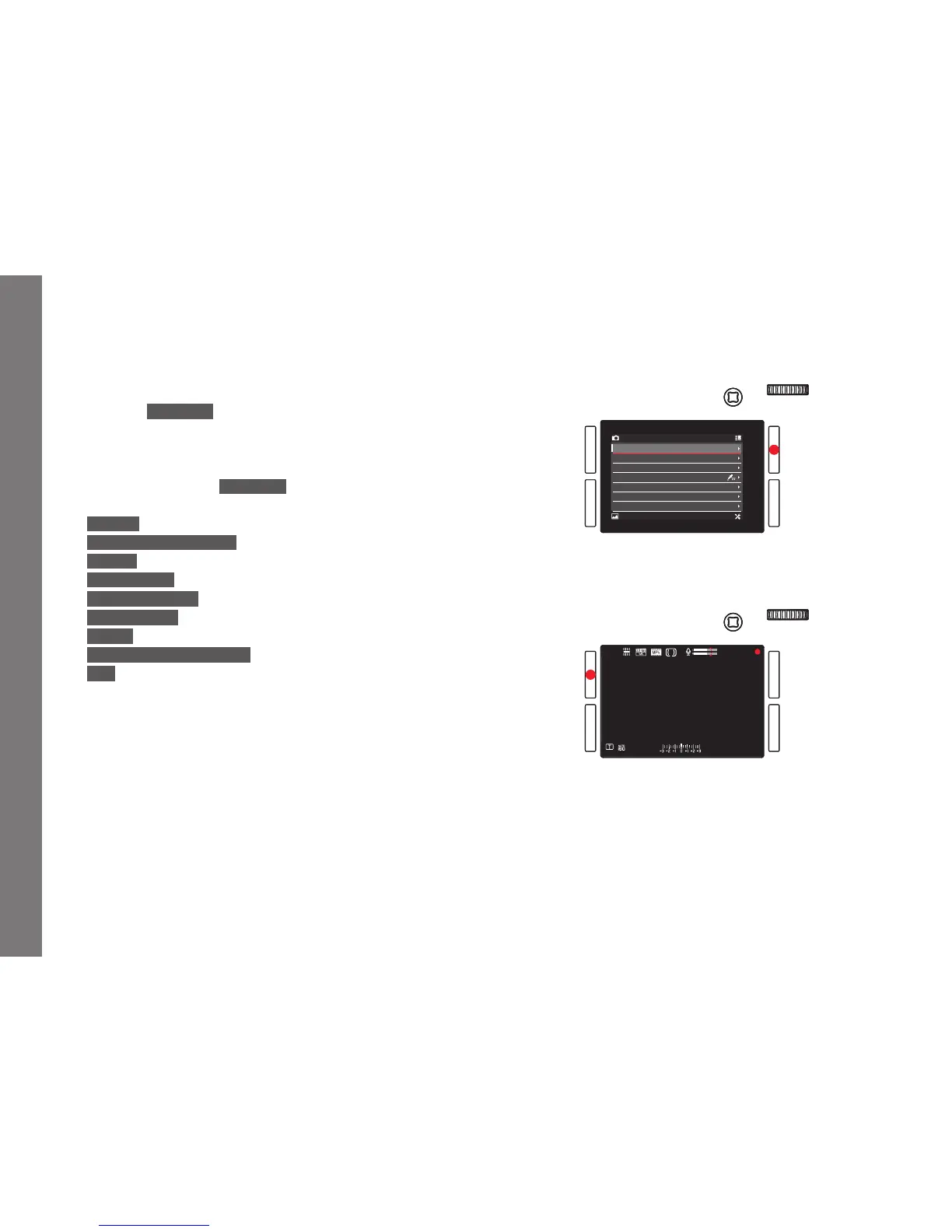
Calling up the FAVORITES menu
When the main menu has been called up:
Press the
TR button.



 To Next Page