EN
183
Camera operation
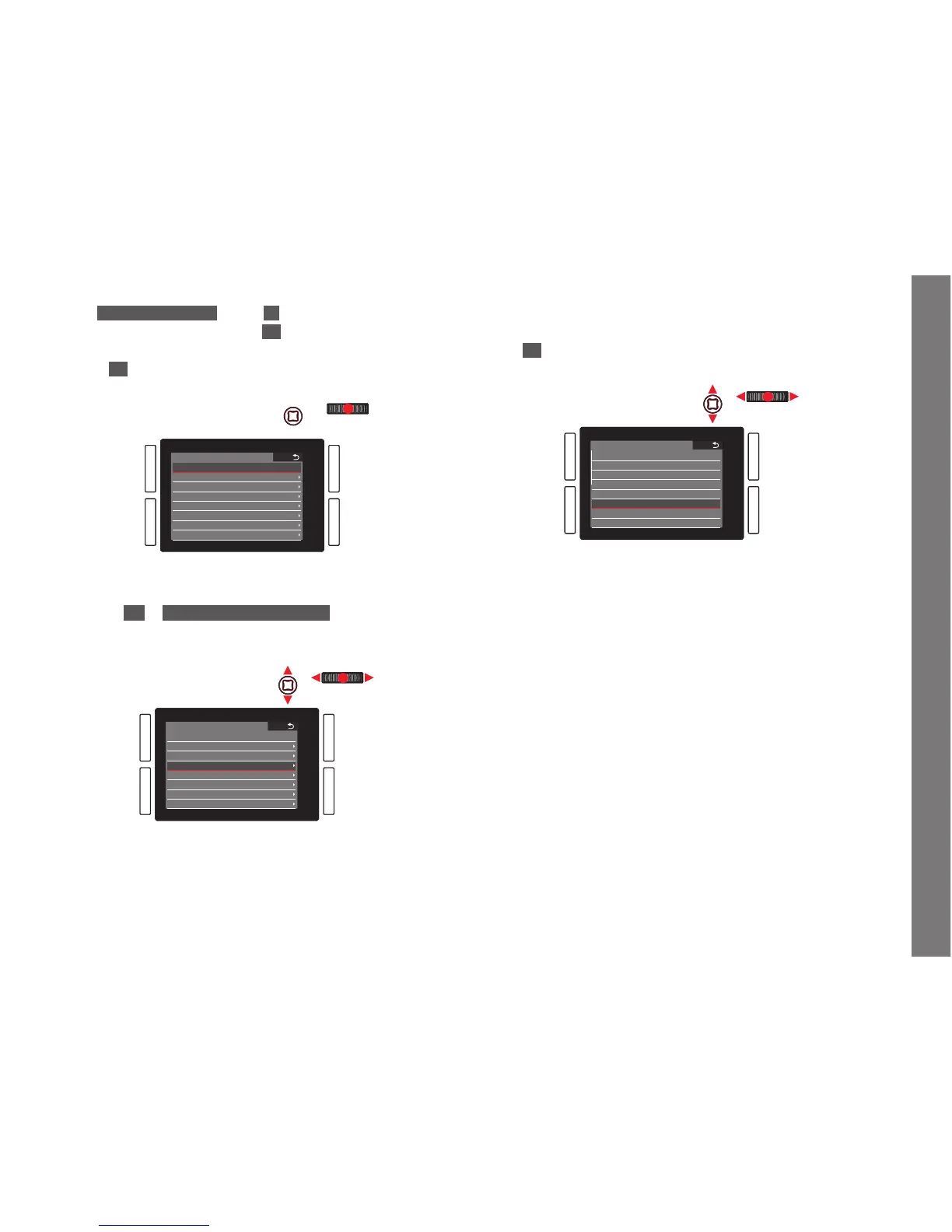
3. In Customize Buttons, select On if you want to change a
button’s assigned function, or
Off if you wish to switch off the
direct access function for all six buttons at once.
• If
Off is selected, the lines for the six buttons in this
sub-menu are not accessible (grayed out).
SHORT CUTS
Customize buttons
Reset customize buttons
Upper Left
Lower Left
Upper Right
Lower Right
FN Button
Live View Button
On
ISO
Exposure Metering
Focus Mode
White Balance
Graycard
Exposure Comp.
If you want to replace all of your direct access settings by the
default settings at once:
Select
Yes in Reset customized buttons,
4. Select the desired button.
SHORT CUTS
Customize Buttons
Reset customized buttons
Upper Left
Lower Left
Upper Right
Lower Right
FN Button
Live View Button
On
ISO
Exposure Metering
Focus Mode
White Balance
Graycard
Exposure Comp.
5. In the corresponding submenu, select the function you want to
call up directly or execute using the button selected in step 4,
or
Off if you do not want this button to have a direct access
function.
LOWER LEFT
Off
Drive Mode
Focus Mode
AF Mode
AF Field Size
Exposure Metering
Exposure Comp.
Exposure Bracketing
The other buttons are assigned in the same way.
Calling up the selected menu items
This is possible at any time in recording mode:
1. Press the above mentioned buttons, and
2. make further settings or execute the function as described
earlier in this chapter.
SL_EN.indd 183 16.09.2015 15:04:27



 To Next Page