EN
244
Review mode
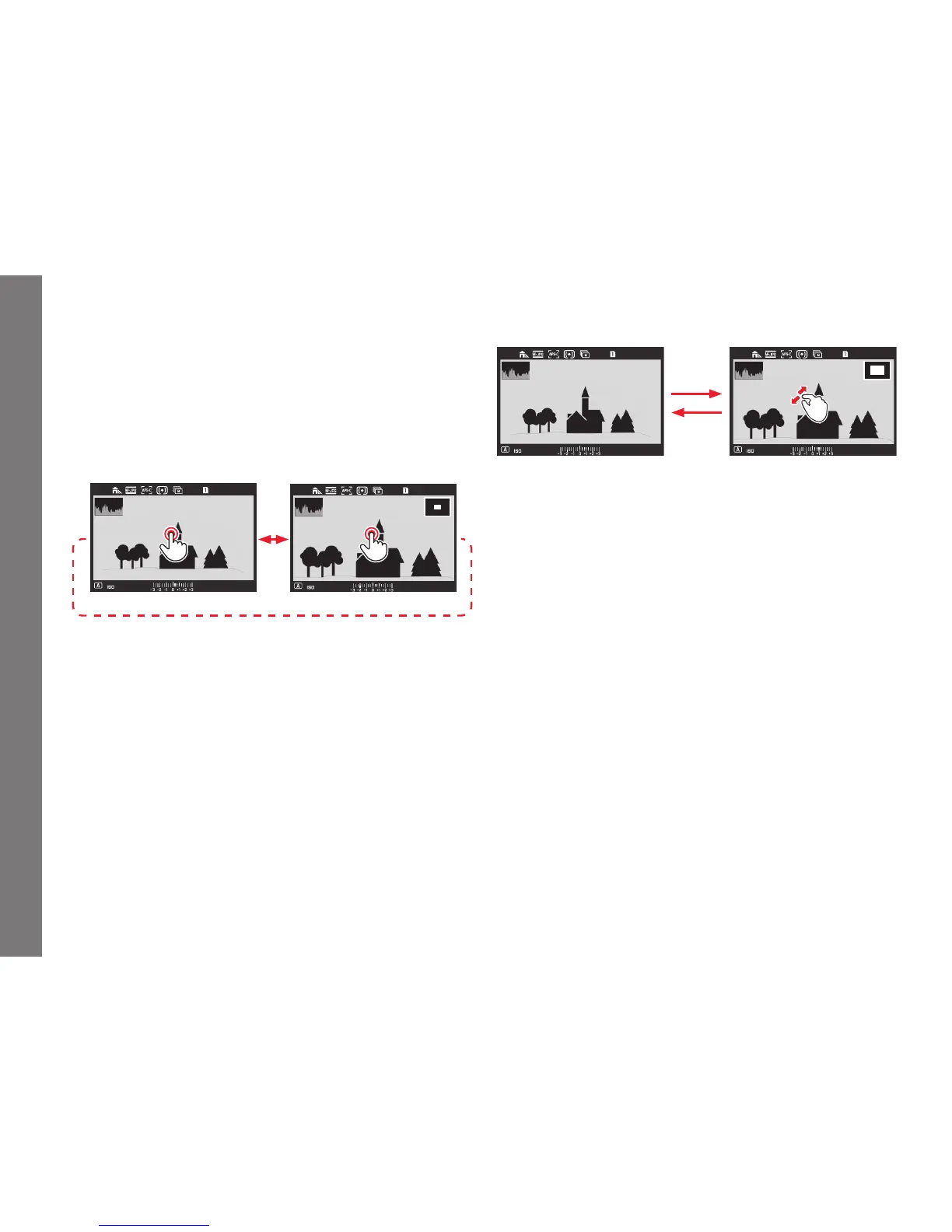
ENLARGING PHOTOS
You can enlarge a section of a photo, e.g. to study it more closely.
Enlargement is possible in 4 steps until 1 pixel of the monitor
displays 1 pixel of the picture.
• The rectangle inside the frame shows the approximate size of
the section.
To call up the highest possible enlargement in one step:
Using gesture control
623
L9990000
F
2.525000
Using physical controls
Press the click wheel or the joystick inwards. To return to normal
size in one step, press again.
To enlarge as desired:
Using gesture control
F
2.525000
Using physical controls
Turn the top dial or press the joystick to the right. To reduce, turn/
press to the left.
Notes:
• Enlarging cannot be performed on videos.
• The more the picture is enlarged, the more the reproduction
quality deteriorates – due to the proportionately lower
resolution.
• It may not be possible to enlarge pictures taken with other
cameras.
SL_EN.indd 244 16.09.2015 15:04:34



 To Next Page