EN
243
Review mode
Displays
For undisturbed viewing of the recordings, only the following are
displayed during review for unlimited time:
– In the header some fundamental information
– The functions of the adjacent buttons for 3 seconds in the four
corners of the monitor picture when switched on: =
Rating
function, =
Change of display, = Delete function and =
Menu
–
BR button for button lock (if activated)
– If the memory card or the selected fi le cannot be read, a
corresponding symbol appears in the right-hand margin of the
black picture.
– If the histogram function is on, the diagram will also appear. If
the clipping /zebra displays are set, excessively bright areas in
the image without any detail will be marked.
Notes:
• If you have taken pictures using the continuous series, the
automatic bracketing function, or the interval picture series
function, the last picture in the series is shown fi rst, or the last
picture saved if all pictures in the series have not yet been
transferred from the camera’s internal buff er memory.
• It may not be possible to view fi les created on another device on
this camera.
• In some cases, the image may not have the usual quality or the
screen will remain blank and only display the fi le name.
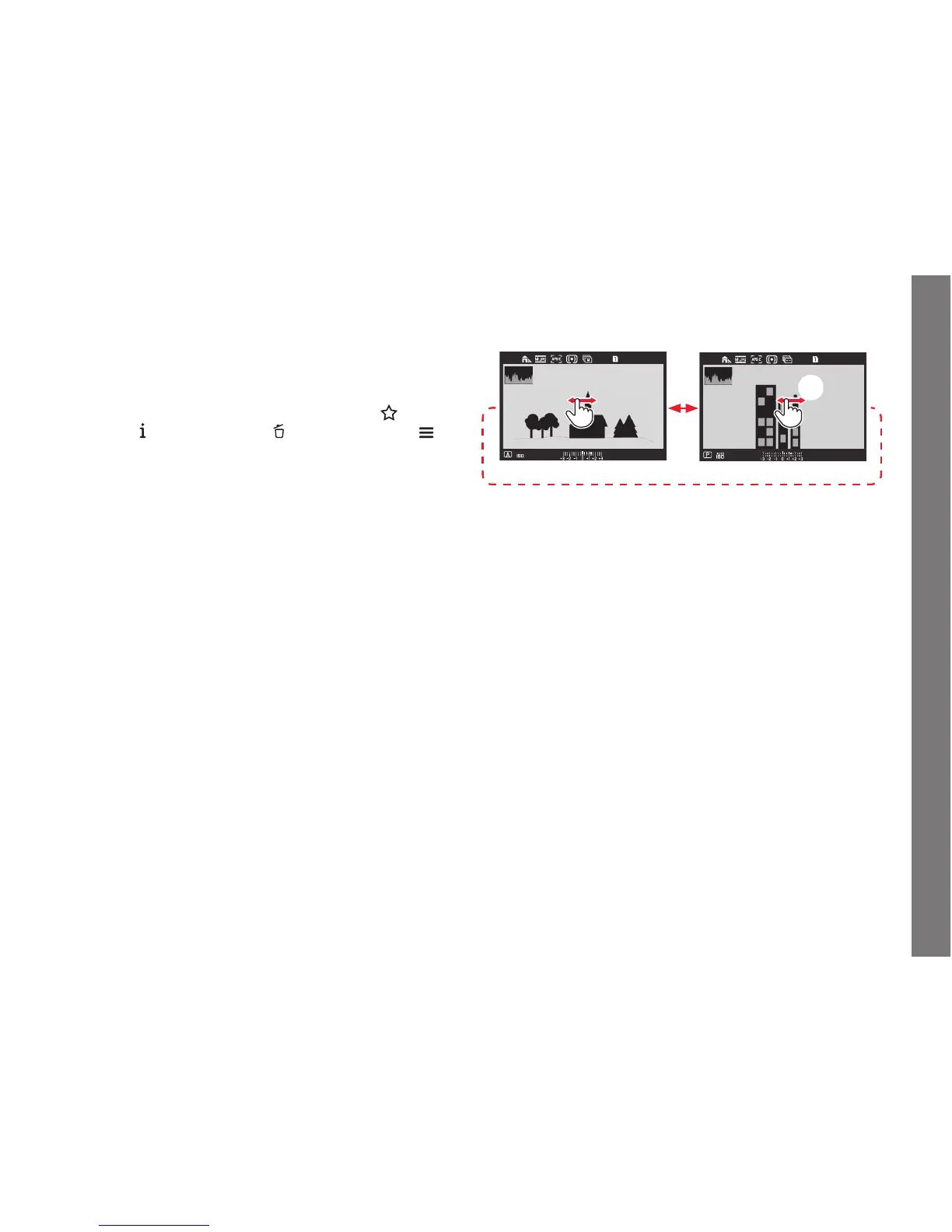
SELECTING/SCROLLING THROUGH RECORDINGS
Using gesture control
Using physical controls
Turn the click wheel, or press the joystick to the right or left.
Swiping/turning/pressing to the right will take you to newer
recordings (with higher numbers), to the left to previous ones (with
smaller numbers).
The recordings are shown in an endless loop. If two memory cards
containing diff erent image data are inserted, the recordings on the
card in slot 1 will be shown fi rst, then those on the card in slot 2,
a.s.o.
SL_EN.indd 243 16.09.2015 15:04:33



 To Next Page