EN
236
Recording mode
Starting / ending the recording
A recording starts when you press the video shutter release and
ends when you press it again.
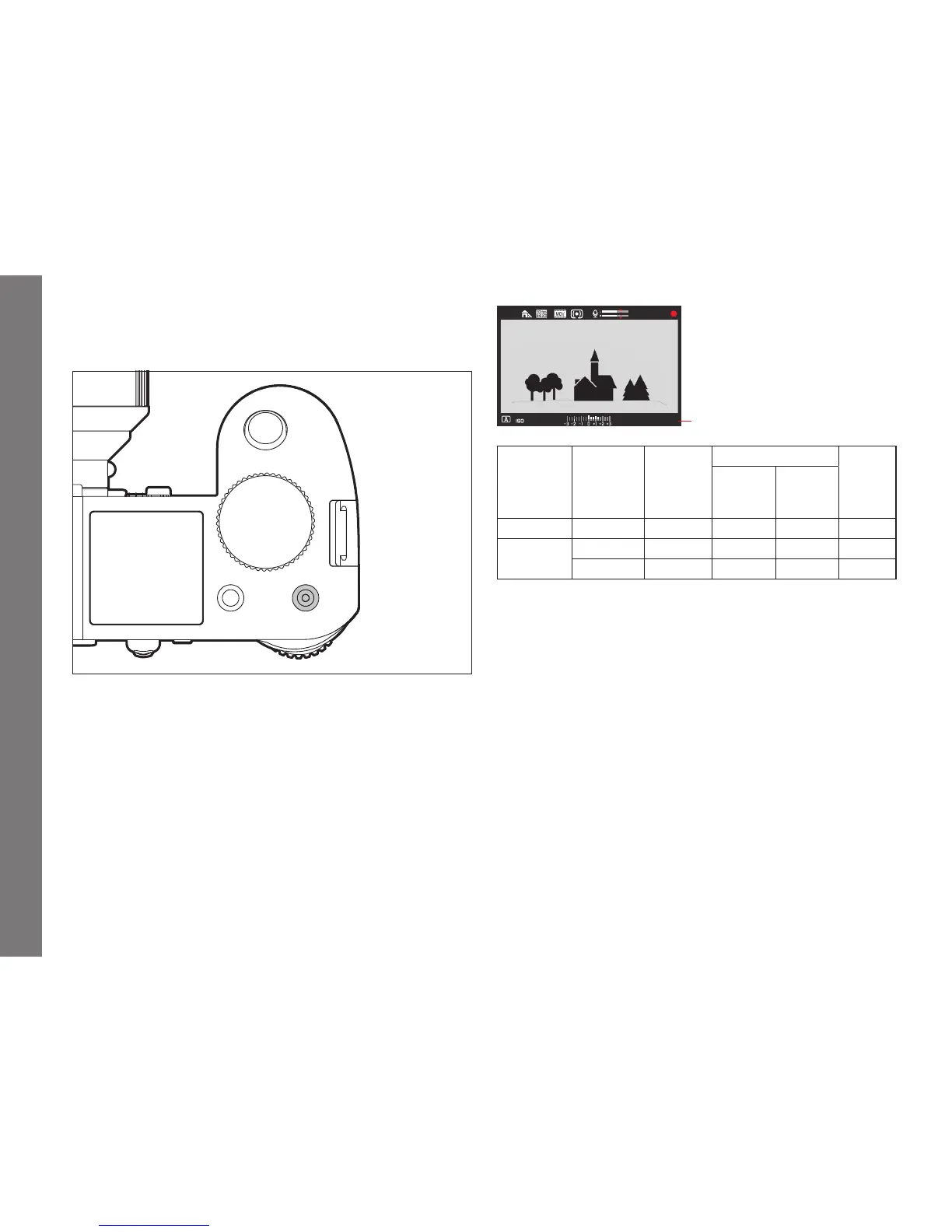
• A video recording in progress is indicated in the monitor/
viewfi nder by a fl ashing red dot and the elapsed recording time.
As video recordings on this camera can be made with diff erent
aspect ratios (depending on the resolution set), black strips will
appear in the monitor/viewfi nder either above and below, or to
the left and right of the image.
F
2.525000
00:01:14.21
Total pictures remaining
Video mode Memory
card(s)
inserted
HDMI
connection
Video saved on Bit depth
Inserted
memory
card(s)
external
recording
device
Preview regardless
Recording yes regardless yes no 8 bits
no yes - yes 10bits
Recording on an external device
The recorded video is normally saved to the inserted memory
card(s). Using the HDMI connection, it can also be recorded to an
external device. This is not only possible with the video recording
mode, but also during video preview mode. Whereas the bit depth
1
used when saving to cards is 8bits, the HDMI connection delivers
10bits. The table below illustrates the available modes.
Note:
• Before recording video to inserted memory card(s), make sure
they have suffi cient capacity).
• Only use the HDMI cable model specifi ed by Leica for this
camera (see p. 272).
1
The higher the bit depth value, the more diff erent color hues can be registered
and reproduced, i.e. the fi ner the transitions between the colors will be.
SL_EN.indd 236 16.09.2015 15:04:32



 To Next Page