EN
182
Camera operation
DIRECT ACCESS TO MENU ITEMS
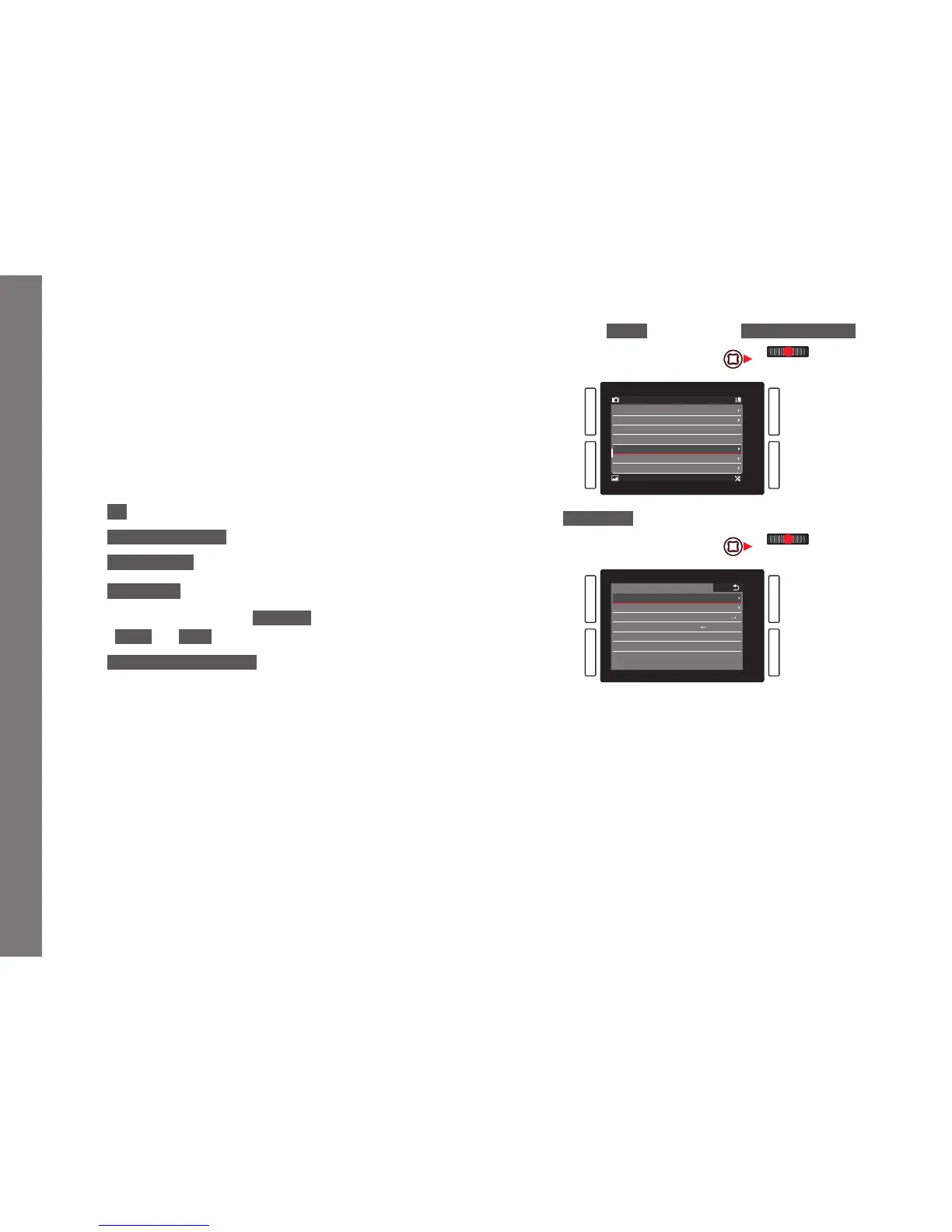
For quick operation, you can use the four buttons next to the
monitor, the
LV button, and the FN button to directly access six
menu items. You can assign the desired menu item for each
button. See 'Menu List', p. 292, 293, for the items available for
direct access.
Note:
In their direct access default settings, the buttons are assigned as
follows:
TL:
ISO
BL:
Exposure Metering
BR:
White Balance
TR: Focus Mode
FN:
White balance submenu Graycard
(-photo or –video depending on the recording mode in use)
LV:
Exposure Compensation
Setting the function / assigning the buttons
1. In the menu's
SETUP section, select Customize Control.



 To Next Page