EN
181
Camera operation
Setting menu items without submenu
(without triangle mark on the right)
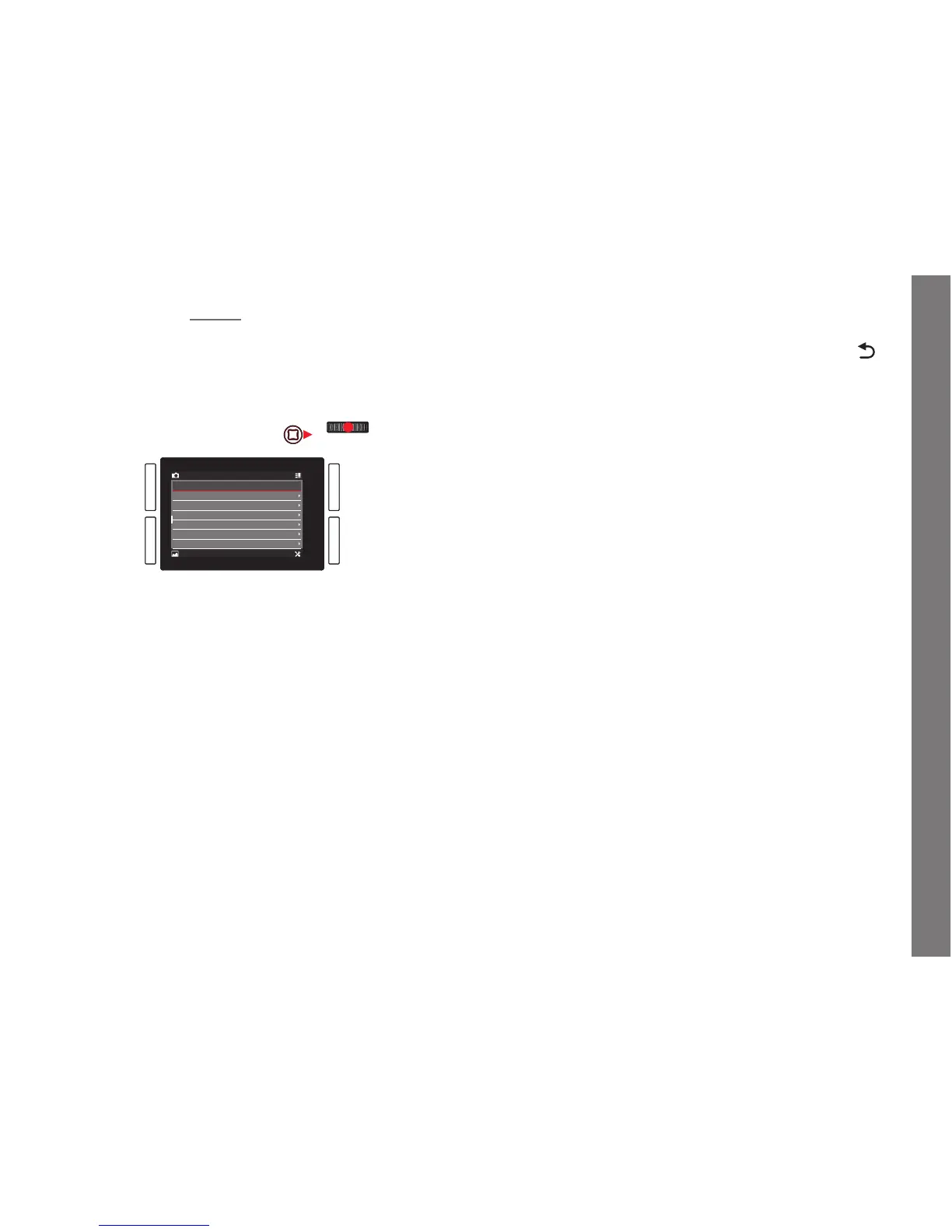
3. Press the click wheel or the joystick inwards or to the right.
• The set option changes.
The setting is immediately active, i.e. it does not have to be
confi rmed.
Notes:
• The screen disappears again after 4s, i.e. settings must be made
within this period of time. Briefl y pressing the button labeled
allows you to return to the menu at any time without applying
any changes made in the submenus. Except in the case of menu
items requiring a horizontal movement to set them, this can also
be done by pressing the joystick to the left.
• Certain submenus consist of a scale. Settings on these scales
can be performed using either menu or gesture control. Menu
control works as described here, gesture control is described in
the relevant sections.
SL_EN.indd 181 16.09.2015 15:04:26



 To Next Page