EN
162
QUICK GUIDE
QUICK GUIDE
Required parts:
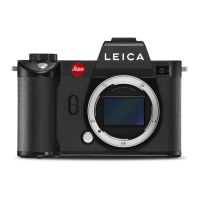
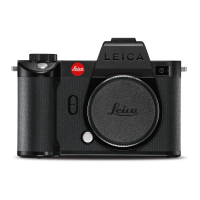
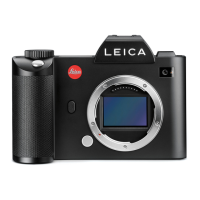
– Camera
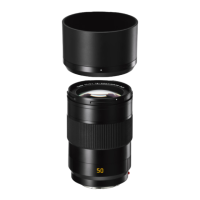
– Lens (not supplied)
– Battery
– Charger with appropriate AC-cable
– Memory card (not supplied)
Note:
The settings recommended here allow you to take good
photographs easily, quickly and reliably when you first start to try
out the Leica SL. For details of the various modes/functions, refer
to the corresponding sections on the specified pages.
Preparations:
1. Attach a lens (see p. 172).
2. Charge a battery (see p. 168).
3. Set the main switch to
OFF (see p. 174).
4. Insert the charged battery in the camera (see p. 170).
5. Insert a memory card (see p. 171).
6. Set the main switch to
ON (see p. 174).
7. Set the menu language (see p. 186).
8. Set the date and time (see p. 186).
SL_EN.indd 162 16.09.2015 15:04:13


 To Next Page