EN
234
Recording mode
Video preview mode
This mode allows checking the eff ects of the previously described
settings, as well as setting the sound recording level (see below)
before actually starting a video recording.
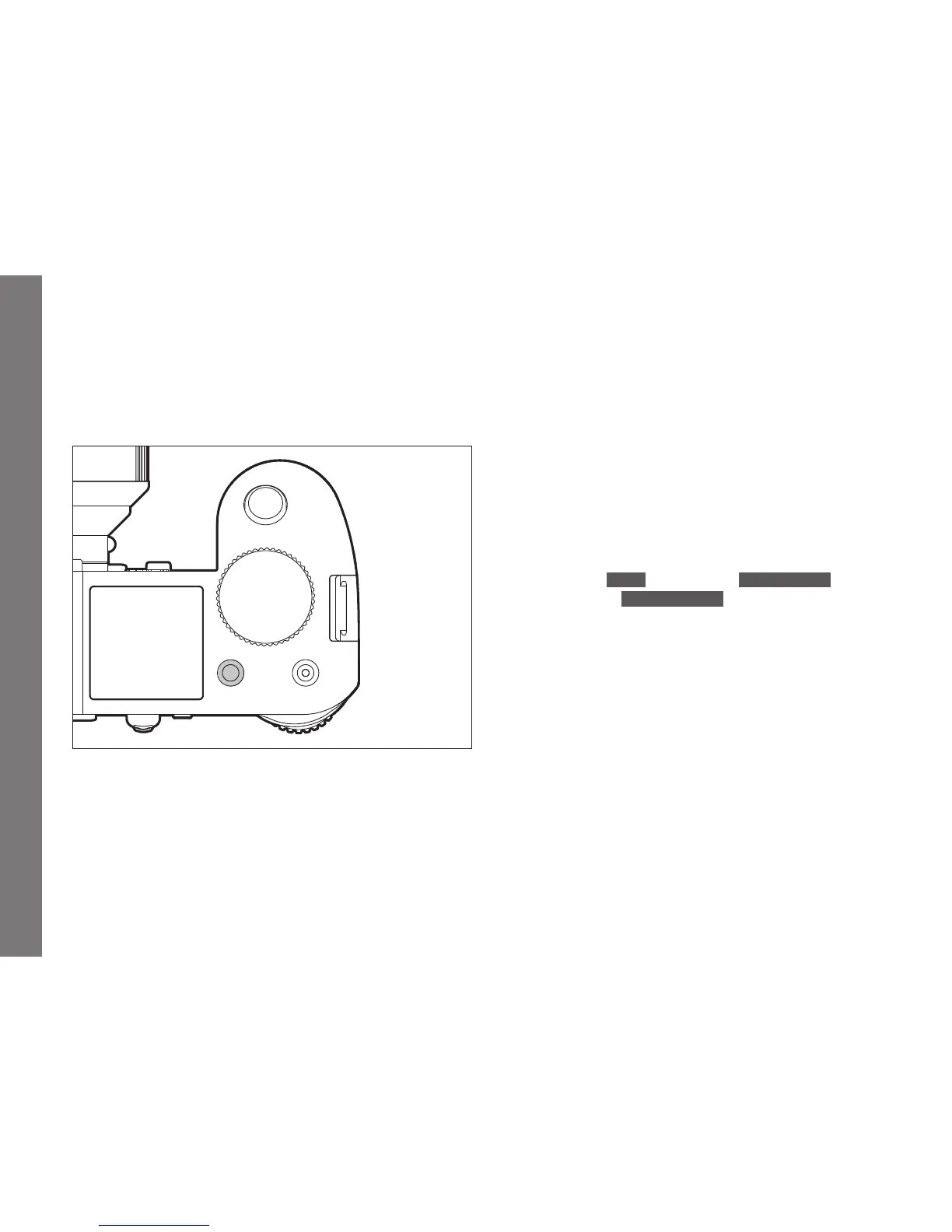
Switching between photo and video preview modes
Press the
LV button briefl y.
Sound recording
Video recordings are normally recorded with sound. This can be
done using the built-in microphones or with external microphones
connected via the camera's respective socket (see p. 161). The
built-in microphones record in stereo. Although the recording level
is controlled automatically.
In order to achieve the desired volume or to improve audibility, you
can adjust the sensitivity of the microphone to fi t the recording
situation.
Note:
The level is not controlled separately for each channel.
Setting the function
1. In the menu's
IMAGE section, select Video Settings,
2. in the submenu,
Microphone Gain, and
3. in the corresponding submenu, the desired level.
SL_EN.indd 234 16.09.2015 15:04:32



 To Next Page