EN
169
Camera operation
CHARGE STATUS DISPLAYS
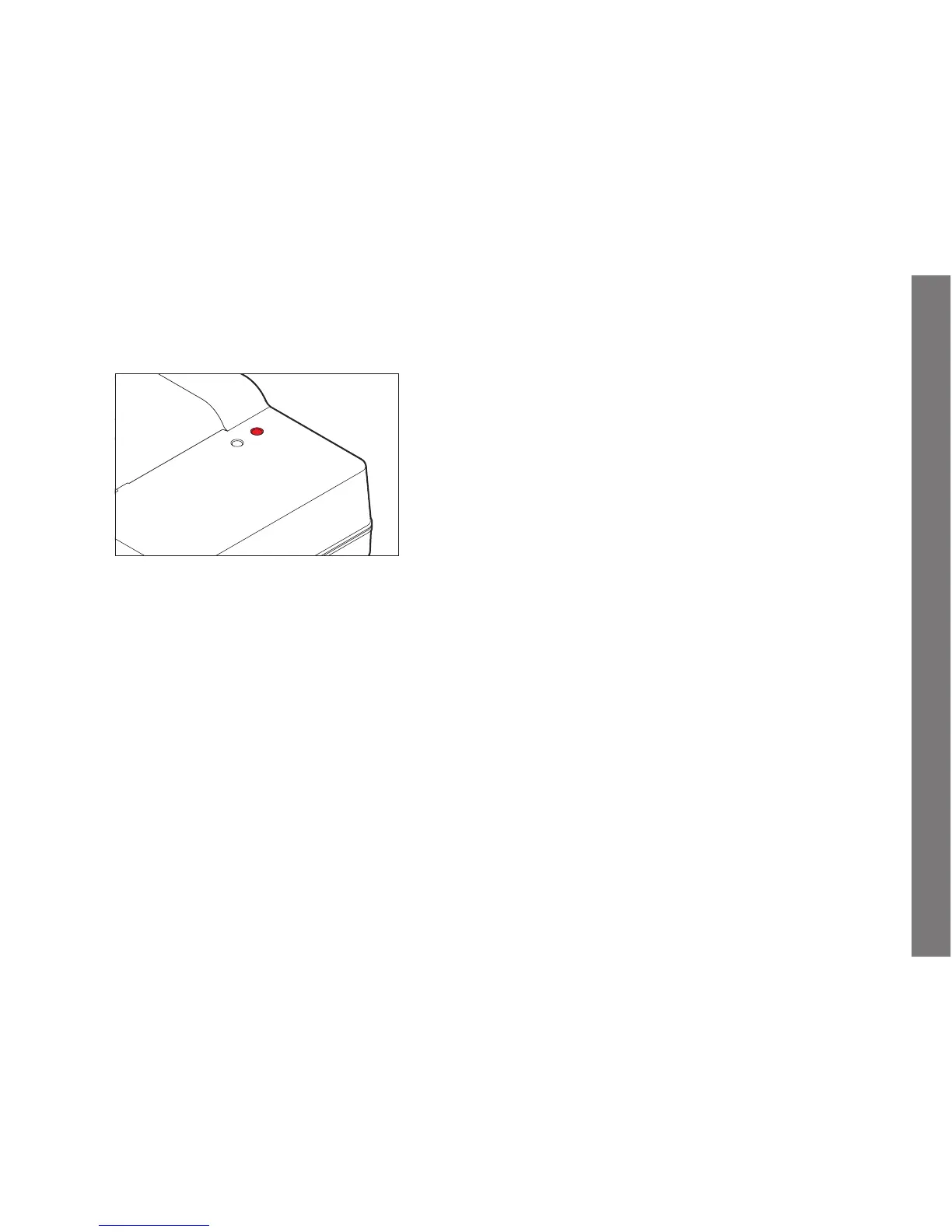
The charging process is indicated by LEDs.
CHARGE
80%
CHARGE LED (green): Flashing indicates charging in progress.
80% LED (orange): Lighting up indicates this charge level achieved.
Both LEDs light up: Charging has been completed.
Notes:
• The charger automatically switches to the prevailing mains
voltage.
• Disconnect the charger from the electrical socket and remove
the battery after charging is completed.
SL_EN.indd 169 16.09.2015 15:04:17



 To Next Page