Usingthengerprintreader
Dependingontheoptionsyouordered,yourcomputermighthaveanintegratedngerprintreader.By
enrollingyourngerprintandassociatingitwithapower-onpassword,aharddiskpassword,orboth
passwordsbeforehand,youcanstartthecomputer,logontothesystem,andentertheThinkPadSetupby
swipingyourngeroverthereader,withouttypingapassword.Thusngerprintauthenticationcanreplace
passwordsandenablesimpleandsecureuseraccess.
Enrollingyourngerprint
1.Turnonyourcomputer.
2.TostartLenovoFingerprintsoftware,referto“Lenovoprograms”onpage15.
3.Followtheinstructionsonthescreentoenrollyourngerprint.Fordetails,refertotheHelpforthe
program.
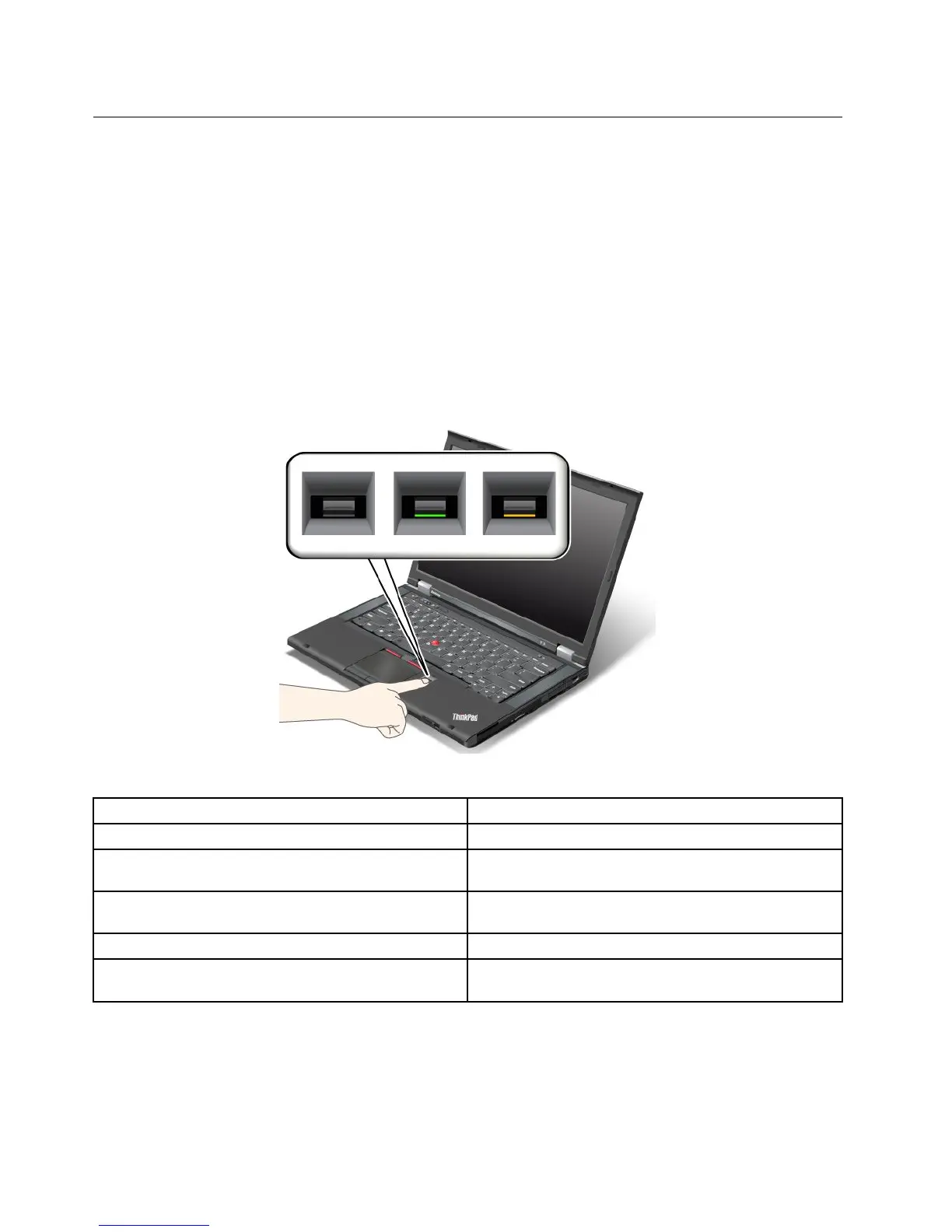
LEDbehaviorofthengerprintreader
Table4.LEDbehaviorlist_ngerprintreader
IndicatorDescription
Steadygreen
Thengerprintreaderisreadytoswipe.
Blinkinggreenonce
Thengerprintisbeingauthenticatedorhasbeen
authenticated.
Blinkinggreen
Thengerprintreaderisreadytoswipeinpower-on
authenticationstate.
Blinkingamber
Thengerprintcouldnotbeauthenticated.
Steadyamberfor15seconds
Thepower-onauthenticationfeatureisdisabledafter
threebadngerprintswipes.
Swipingyourngeroverthereader
Toswipeyourngeroverthereader,dothefollowing:
58UserGuide














 To Next Page