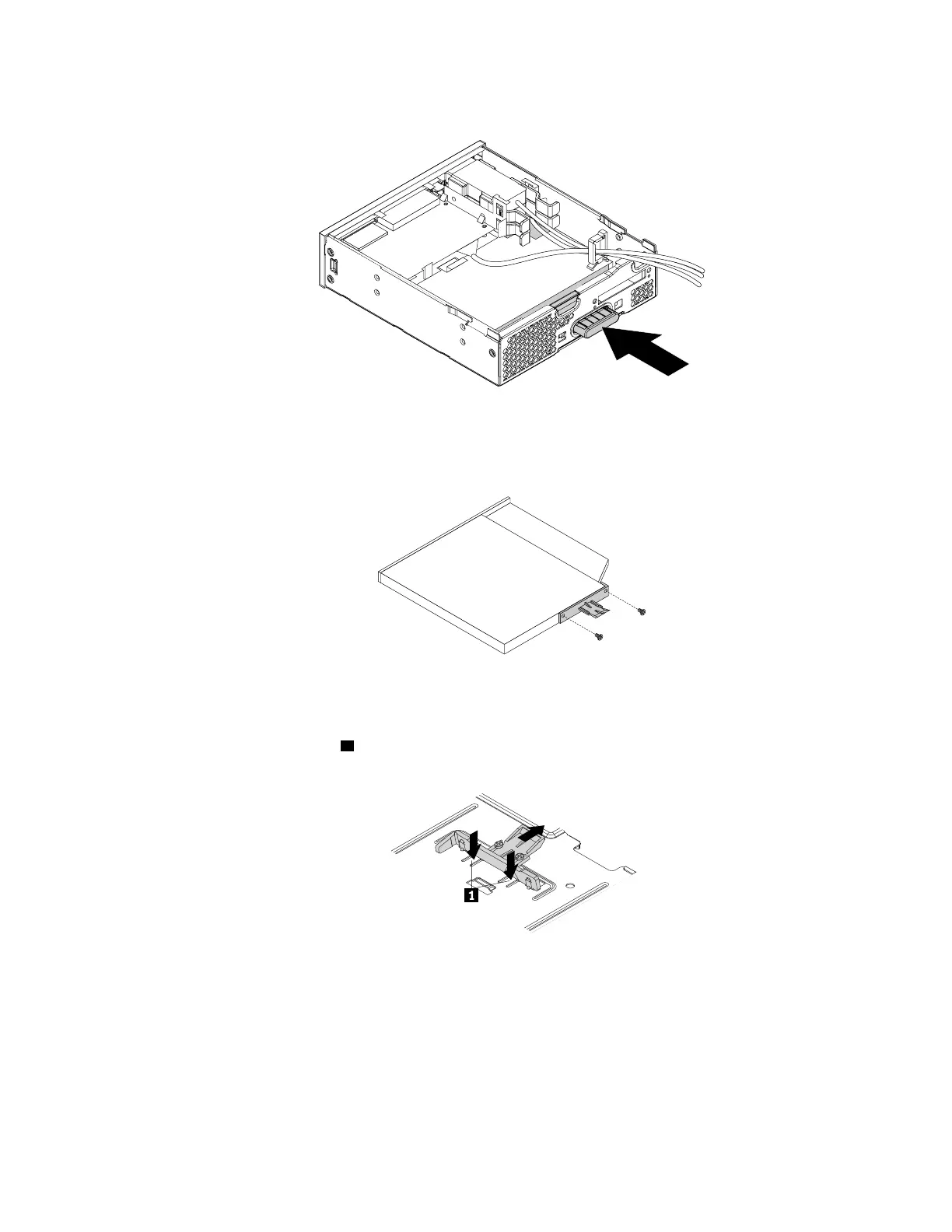
a. Press the button as shown to remove the slim optical drive from the flex module.
Figure 158. Removing the slim optical drive from the flex module
b. Remove the two screws that secure the clip to remove the plastic clip from the rear of the slim optical
drive.
Figure 159. Removing the plastic clip from the slim optical drive
5. To install a new slim optical drive, do the following:
a. Press the two metal clips
1 to remove the plastic clip with the two screws as shown and remove the
two screws.
Figure 160. Removing the plastic clip with the two screws
Chapter 9. Hardware removal and installation 179














 To Next Page