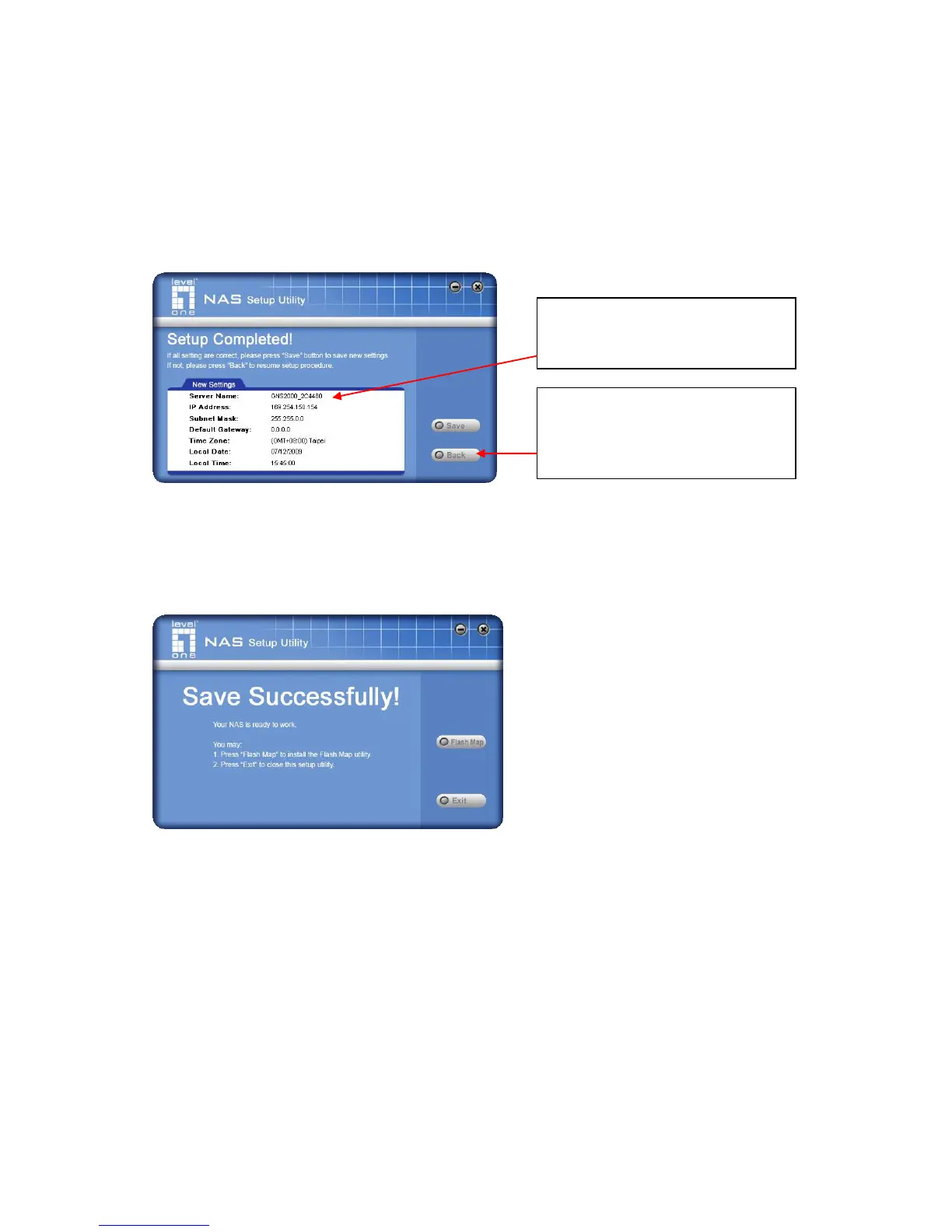
5. Click "Next" to continue. The following screen is displayed.
6. Click "Save" to save your data to GNS-2000.
On the resulting screen, click "Exit" to close the Setup Utility. GNS-2000 is now opera-
tional.
Other Configuration
After the configuration above, all Windows users can access the NAS with "guest" access
rights. This allows access to the public shares (by default, DISK and FLASH or USB HDD).
However, we recommend creating a GNS-2000 "User" for each person on your LAN. This
will provide each person on your LAN with their own login (name and password) as well as
their own personal folder on GNS-2000.
See the Administration chapter for details on creating users via the Web-based interface.
All settings are displayed.
Please confirm they are corrected,
then click “ Save” .
After saving, a final screen will be
displayed.
Click “ Exit” to close the Setup
Utility.



 To Next Page