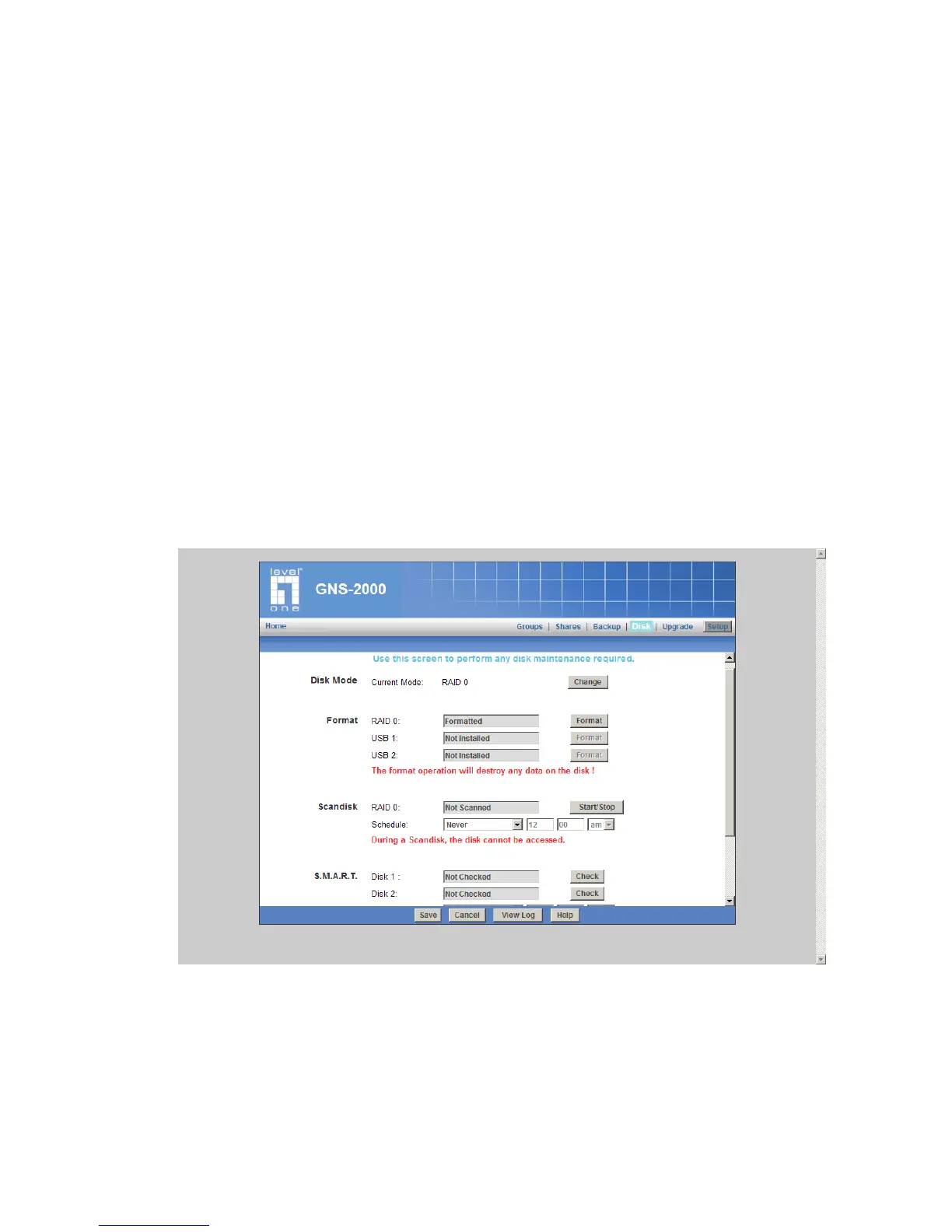
Disk Screen
This screen allows you to maintain the disks in GNS-2000
Disk Mode - Disk mode select: Separate Disk, JBOD/LVM, Raid 0 and Raid 1. Any data
on the disk will be lost it if change disk mode.
Format Disk - use this after installing a new disk. The disk will be partitioned and
quick-formatted. Any data on the disk will be lost!
Scandisk - running the Scandisk (Disk Check) program will check the file system,
and correct any errors found. This program should be run regularly. The Scandisk
program will also run automatically if an error condition is detected, such as an ab-
normal shutdown due to loss of power.
S.M.A.R.T. - S.M.A.R.T. (Self-Monitoring, Analysis, and Reporting Technology) can
warn of impending problems with the Hard Disk, before it actually fails. This test
should be performed regularly.
Disk Screen



 To Next Page