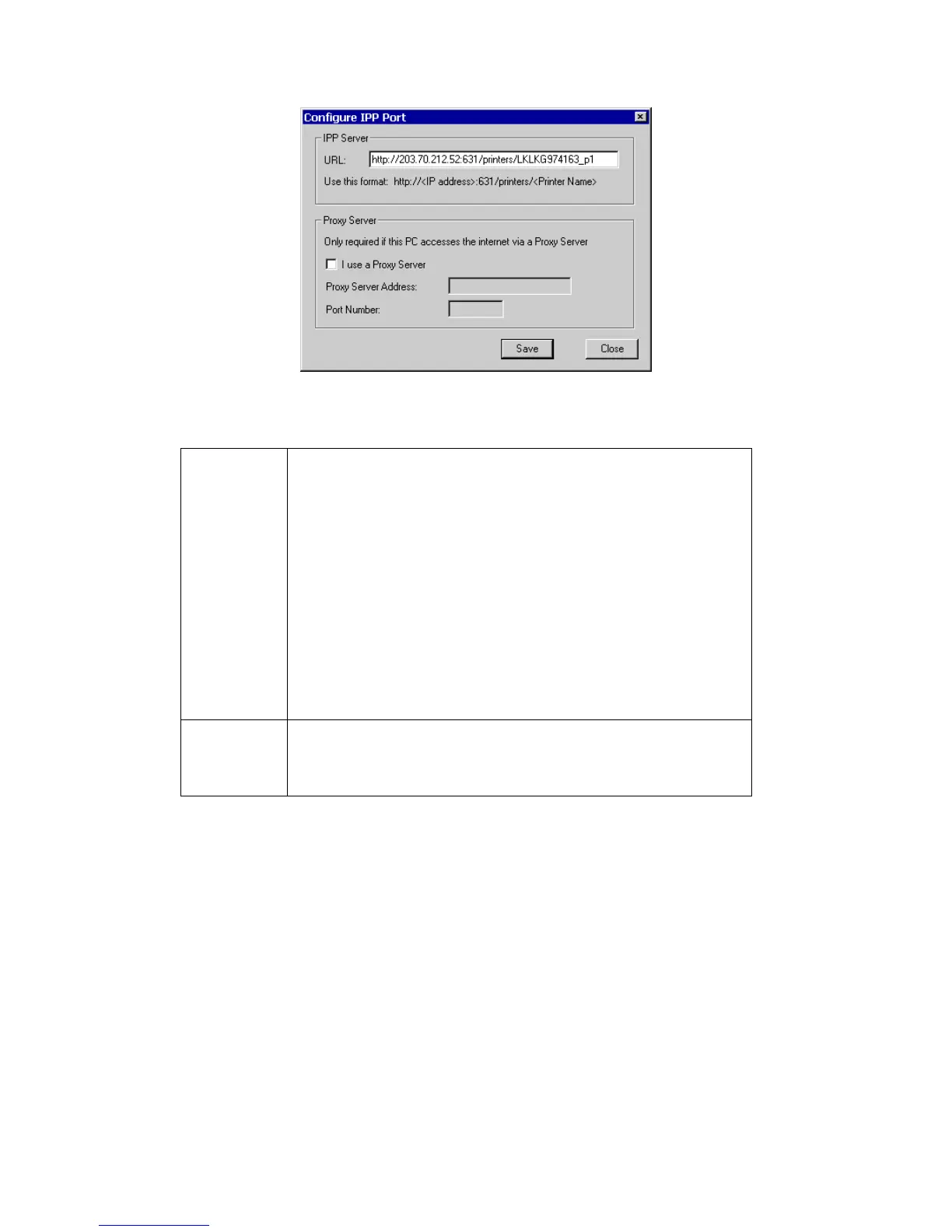
Enter the Internet IP address used to connect to GNS-2000, as
follows.
http://ip_address:631/printers/printer_name
Where:
ip_address represents the IP Address used to access the NAS.
(As explained earlier, this may be the Internet address of a Ga-
teway, rather than the NAS itself.)
printer_name is the name of the printer, as set on the NAS
System screen.
The other text is fixed, and can NOT be changed. It must be
entered exactly as shown.
Example:
http://203.70.212.52:631/printers/LKLKG974163_p1
If Internet access from your PC is via a Proxy Server, check Access
IPP Server via Proxy Server, and enter details of your Proxy Server.
(These will be the same as your Browser configuration, so check
your Browser settings.)



 To Next Page