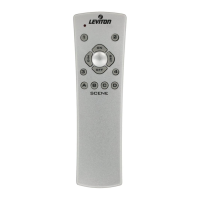
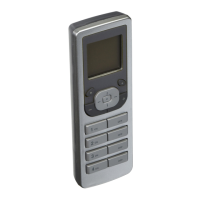
Pressing the right soft key while on the HOME
screen will bring up the MAIN MENU screen where
you can navigate through the various selections to
edit or change settings.
Selecting 1. Device List from the
MENU screen will bring you to
the DEVICE LIST screen where
a list devices included in the
network will appear. From this
list you can rename devices by
pressing the center button to
select a device and using TEXT
EDITOR (pg.7), control ON/OFF and adjust intensity
levels. NOTE: Pressing the
2 OFF button with
theselectionboxaroundadimmingdevicewill
bring up the DEVICE CONTROL menu where you
can use the and buttons to precisely raise
or lower the level with slide control, which will be
displayed at the bottom.
Selecting 2. Who Is from the
MENU screen will bring you to
the
WHO IS... screen where you
can identify your devices. Simply
press a button on a network
included device to obtain the node
information.
After the information is received
by the VRCPG, it will display the
device ID and the NAME assigned
to the device you activated.
MAIN MENU SCREEN


 To Next Page