MENU NAVIGATION and ICONS
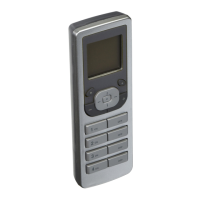
Navigating screens and menus on your VRCPG is
accomplished using the following buttons:
The right soft key brings
you to the MAIN MENU screen
from the HOME screen and is
used for saving and completing
tasks.
The left soft key is used
to bring you back to the previous
screen.
The up and down arrow buttons allow
you to scroll through each screen and will move
the selection box (
1. Device List
) to each
choice.
NOTE: Selections are made on
each screen by pressing the center
button on the VRCPG unless
prompted otherwise.


 To Next Page