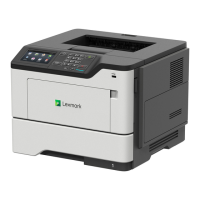
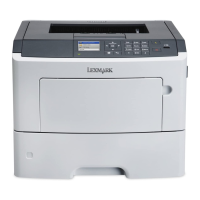
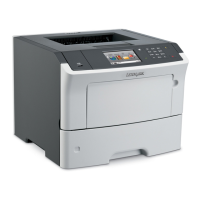
Front input guide removal
1 Remove the MPF with front access cover. See “MPF with front access cover removal” on page 201.
2 Remove the MPF pick roller and separator pad. See “MPF pick roller and separator pad removal” on
page 209.
3 Remove the two screws (A).
4 Remove the input guide.
Front USB port removal
1 Remove the right cover. See “Right cover removal” on page 186.
2 Remove the nameplate. See “Nameplate removal” on page 201.
4600-830, -835, -895
Parts removal
213


 To Next Page