248
GS350_OM_OM30D41U_(U)
4-5. Using the driving support systems
You can change the warning beep volume and Remote Touch screen
operating conditions.
Press the “MENU” button on the Remote Touch. (P. 312)
Select “SETUP” on the “Menu” screen.
Select “Vehicle” on the “Setup” screen.
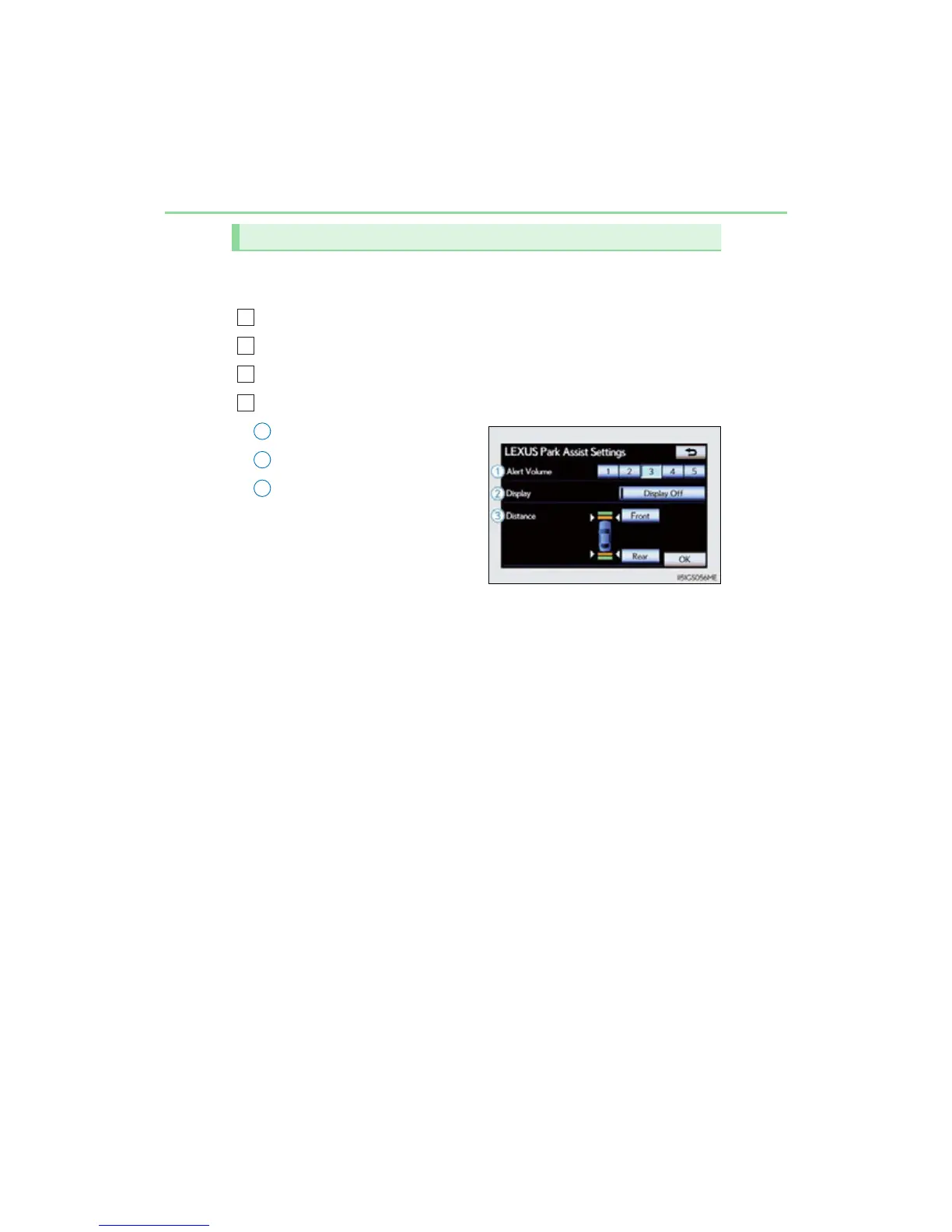
Select “Lexus Park Assist” on the “Vehicle Settings” screen.
Alert volume setting
Display on/off
Alert distance setting
Make sure to save after changing
settings.
Setting up intuitive parking assist
1
2
3
4
1
2
3



 To Next Page