GS350_OM_OM30D41U_(U)
331
5-1. Remote Touch screen
5
Interior features
■ Changing the screen off image
Select “Screen Off” on the “Display” screen to turn off the screen. An
image can be copied from a USB memory and can be set to display
when “Screen Off” is selected.
When saving the images to a USB memory, name the folder that the
screen off image is saved to “DisplayOffImage”. If these folder names
are not used, the system cannot download the images. (The folder
names are case sensitive.)
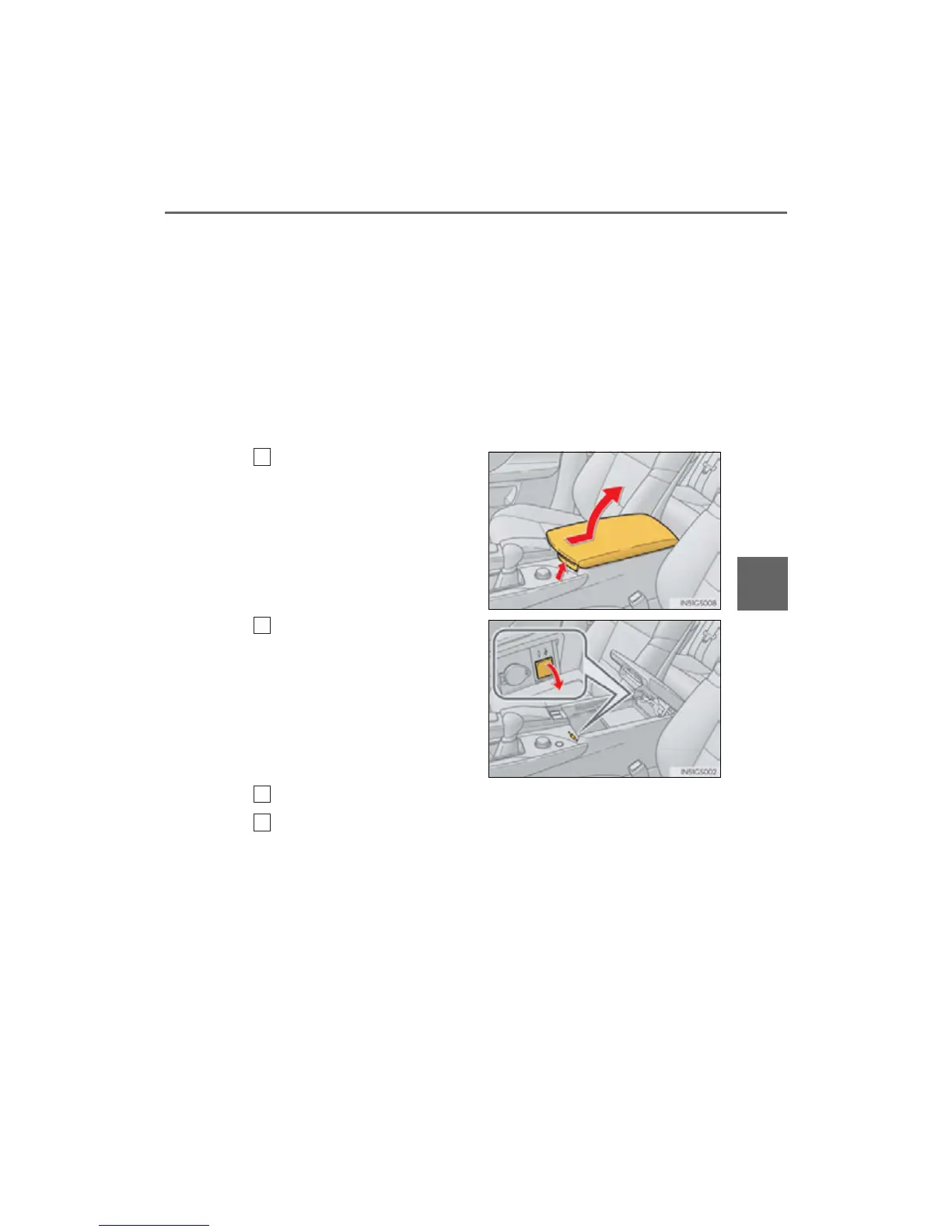
● Transferring data
Open the console box.
Open the cover and connect a
USB memory.
Turn on the power of the USB
memory if it is not turned on.
Close the console box.
Select “Customize Screen Off Image” on the “General Settings”
screen.
1
2
3
4



 To Next Page