GS350_OM_OM30D41U_(U)
435
5-3. Using the audio system
5
Interior features
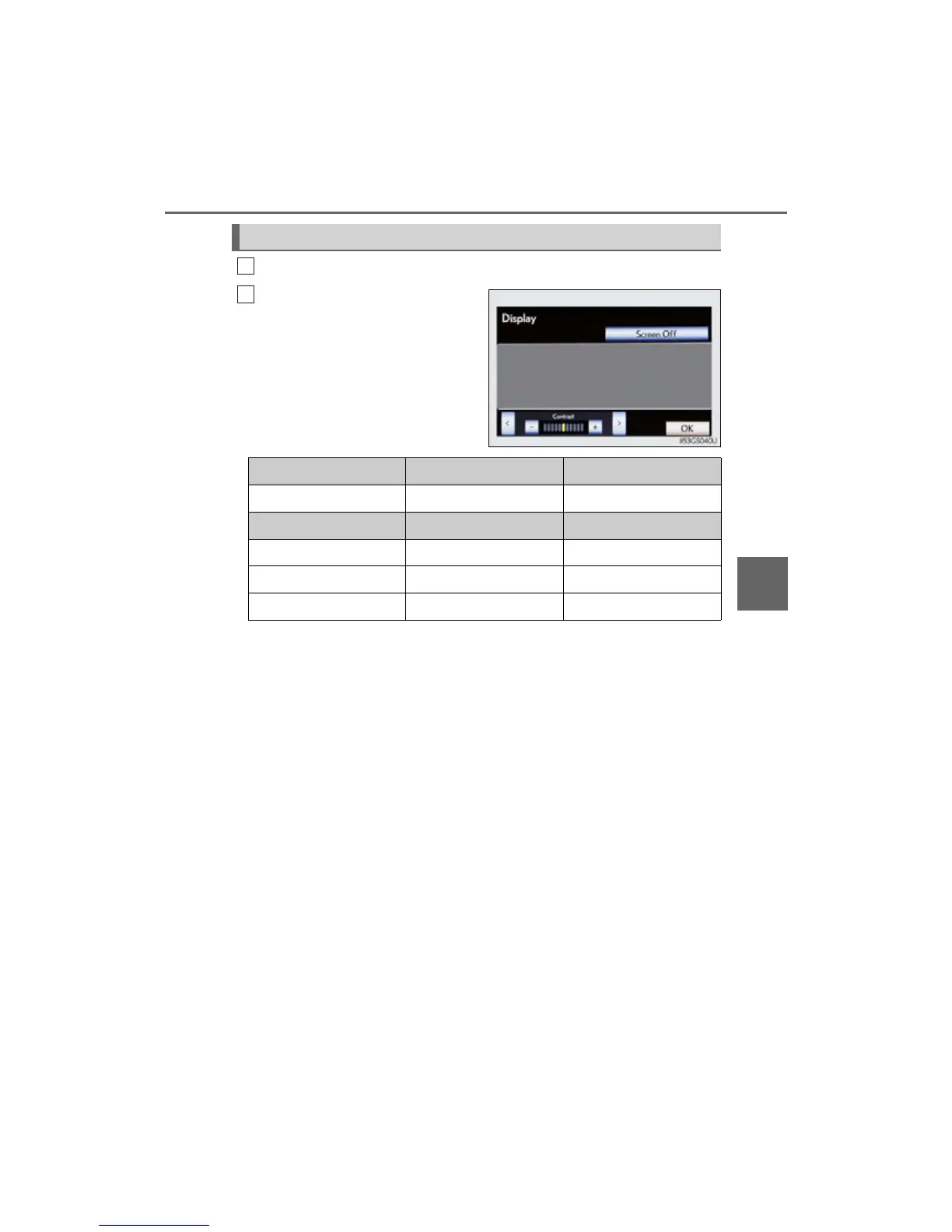
Select “Display” on the “DVD Options” screen.
Select “<” or “>” to display the
desired item to be adjusted, and
then select “OK”.
The screen goes off when “Screen
Off” is selected. To turn the screen
back on, select any button. The
selected screen appears.
Adjusting the screen
1
2
R G
Color Red Green
- +
Tone Lighter Darker
Contrast We a k e r Stronger
Brightness Darker Brighter



 To Next Page