326
GS350_OM_OM30D41U_(U)
5-1. Remote Touch screen
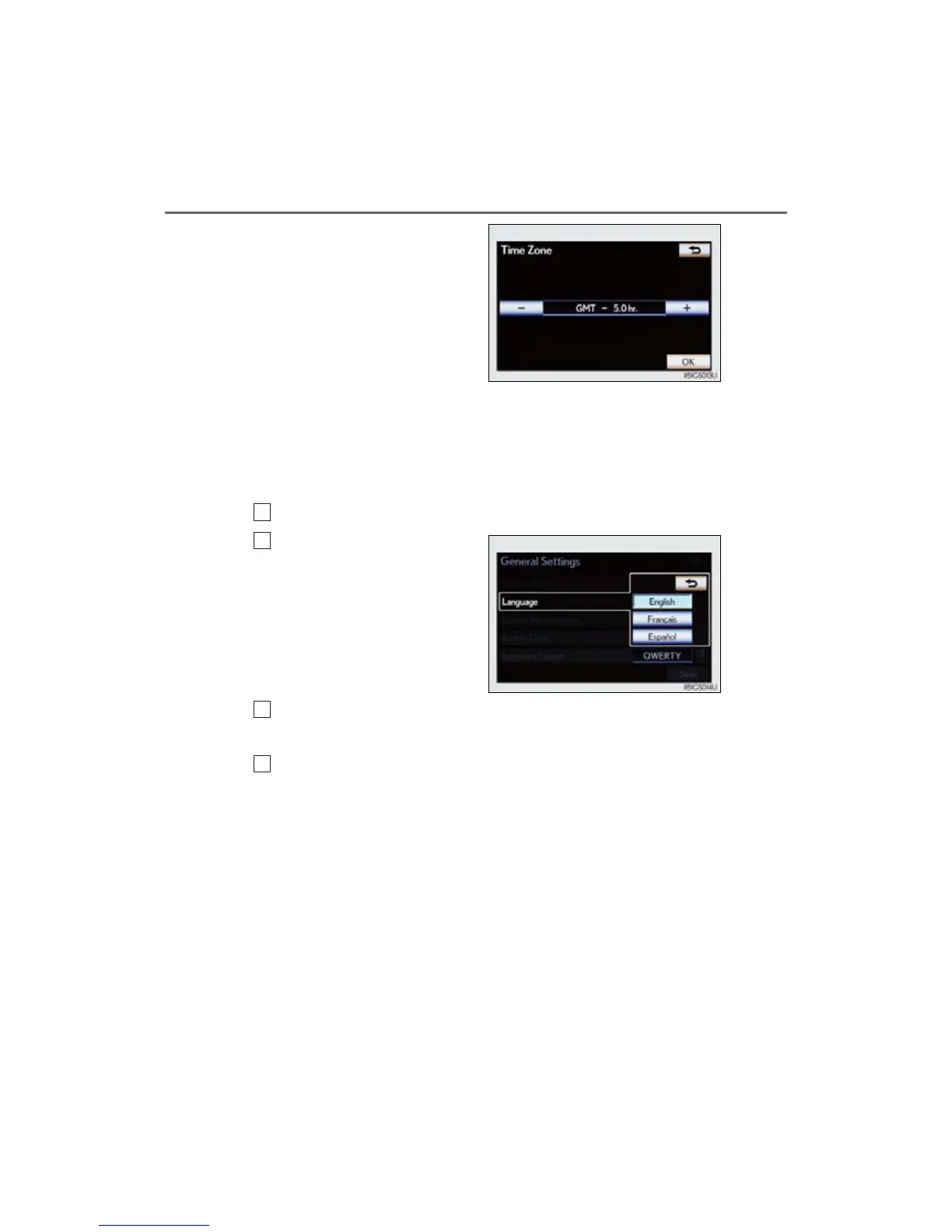
If “Other” is selected, the zone
can be adjusted manually. Select
“+” or “-” to adjust the time zone
and then select “OK”.
● Daylight saving time
To select “On” or “Off” for daylight saving time.
■ Selecting a language
The language can be changed.
Select “Language” on the “General Settings” screen.
Select the desired screen but-
ton.
Select “Yes”.
The previous screen will be displayed.
Select “Save”.
1
2
3
4



 To Next Page