476
GS350_OM_OM30D41U_(U)
5-3. Using the audio system
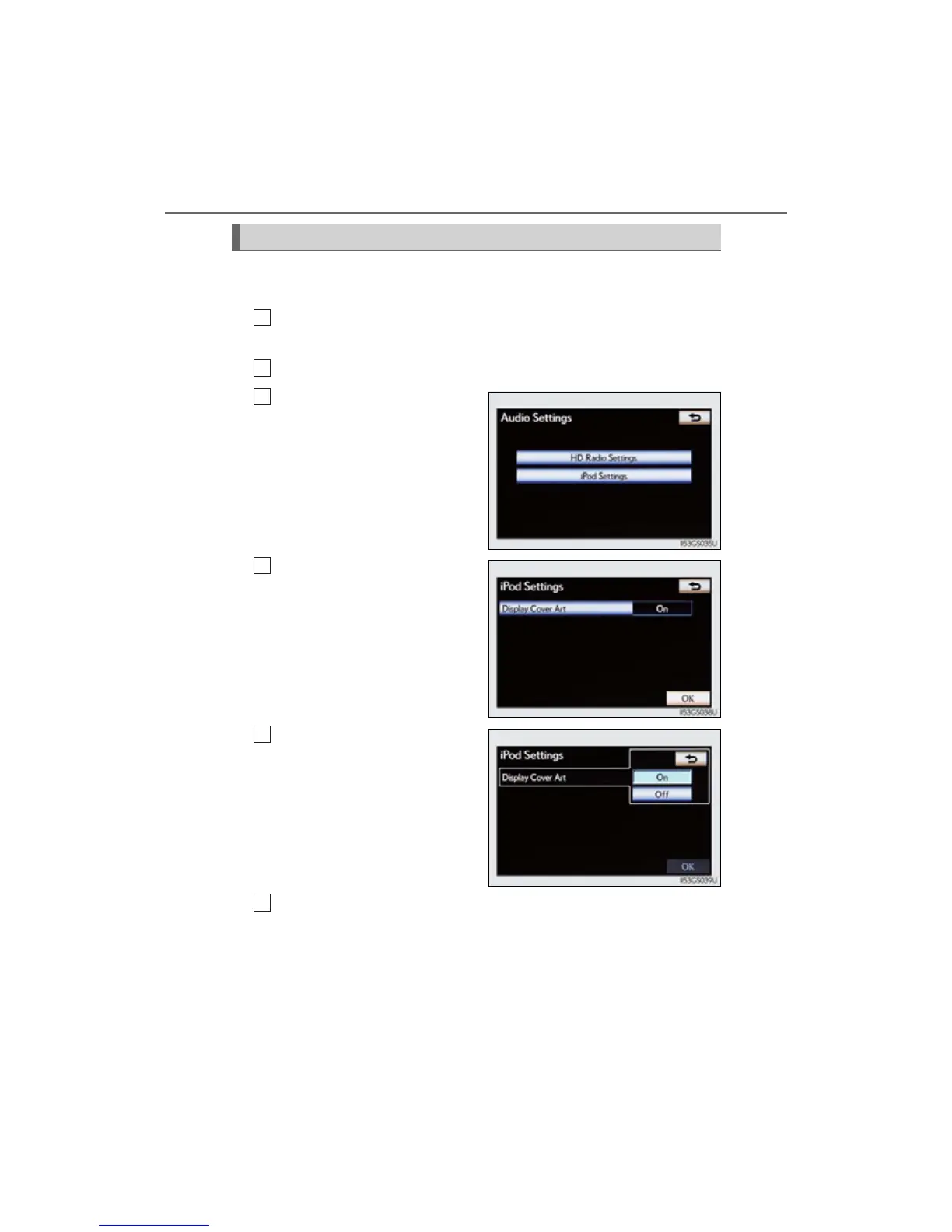
When the track currently being played has cover art data, it can be dis-
played.
Press the “MENU” button on the Remote Touch and select “Setup”
on the “Menu” screen.
Select “Audio” on the “Setup” screen.
Select “iPod Settings”.
Select “Display Cover Art”
Select “On” or “Off”.
After iPod setting has been changed, select “OK”.
Cover art display settings
1



 To Next Page