GS350_OM_OM30D41U_(U)
409
5-3. Using the audio system
5
Interior features
■ Seeking the channel within the current category
Press and hold “<” or “>” on the “PRST•TRACK” button.
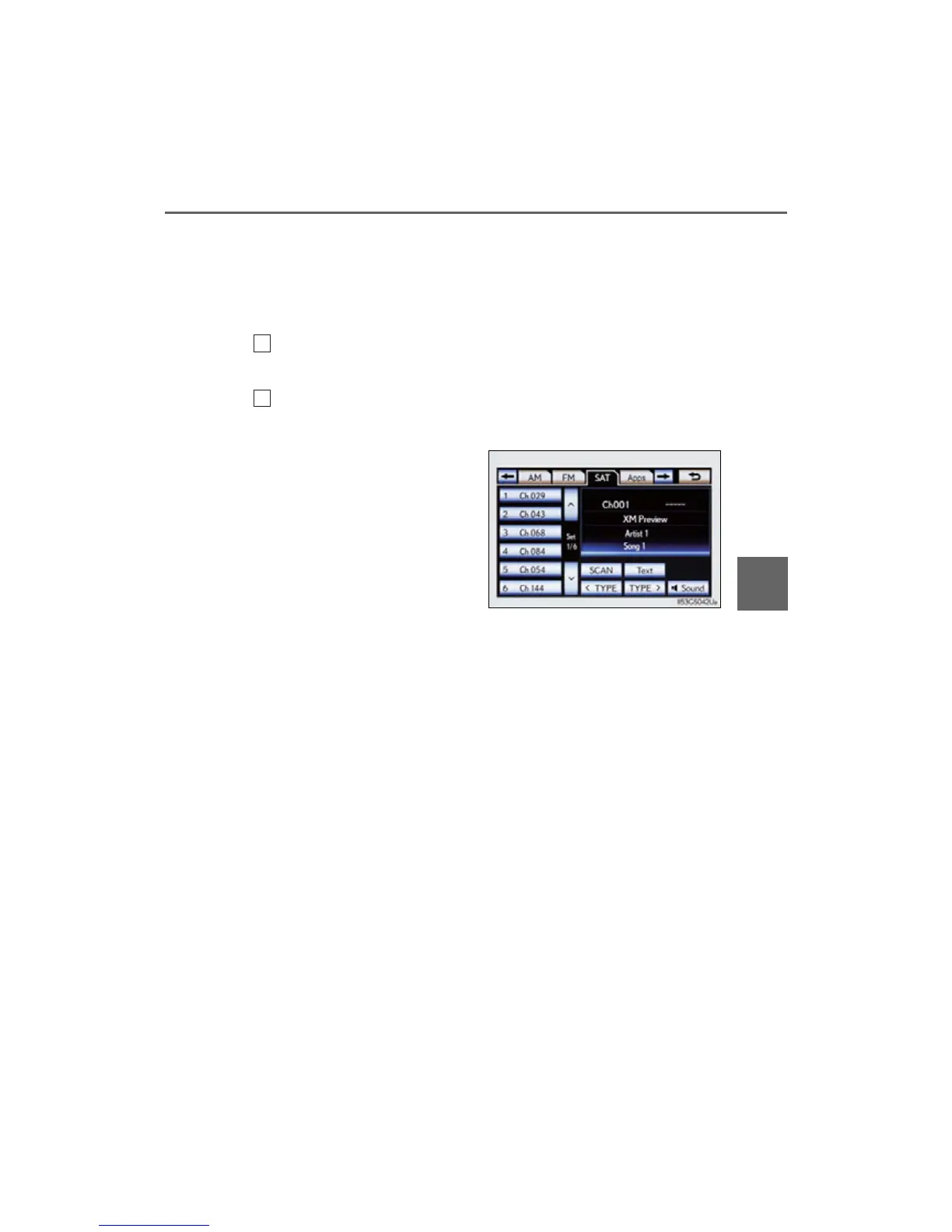
■ Scanning XM
®
Satellite Radio channels
Scanning channels in the current category
Select “SCAN” on the screen.
“SCAN” appears on the screen.
Select “SCAN” once again when the desired channel is reached.
■ Displaying the title and artist name
Select “Text” to display the song
title and artist name currently
being listening to.
Up to 64 alphanumeric characters
can be displayed. (Some informa-
tion will not be fully displayed.)
1
2



 To Next Page