494
GS350_OM_OM30D41U_(U)
5-3. Using the audio system
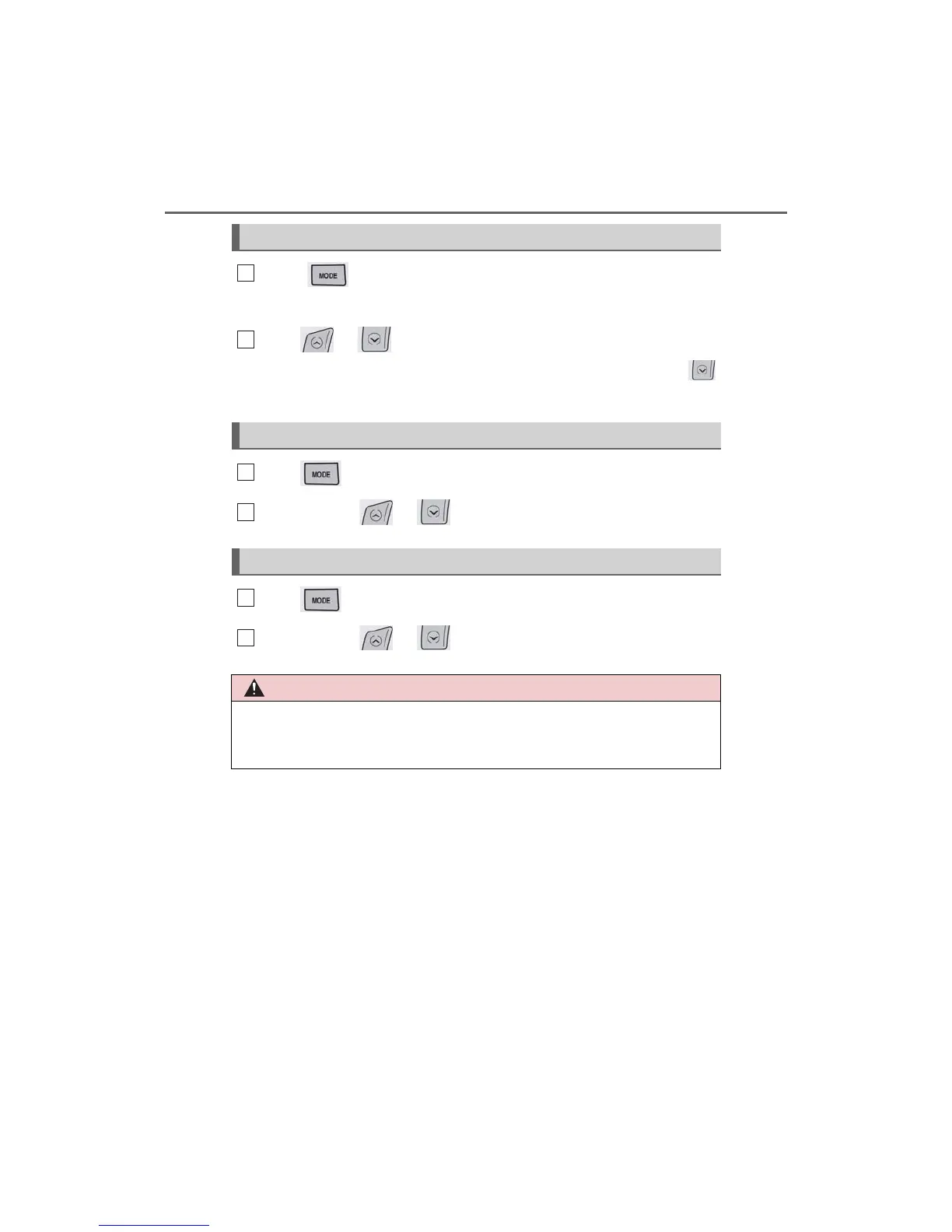
Press to select the audio CD, MP3/WMA disc, DVD,
Bluetooth
®
audio, iPod, or USB memory mode.
Press or to select.
To return to the beginning of the current track, file or chapter, press the
switch once quickly.
Press to select Bluetooth
®
audio or USB memory mode.
Press and hold or until a beep is heard to select.
Press to select the MP3/WMA disc or USB memory mode.
Press and hold or until a beep is heard to select.
Selecting a track/file or chapter
Selecting an album
Selecting a folder
■ To reduce the risk of an accident
Exercise care when operating the audio switches on the steering wheel.
1
2
1



 To Next Page