490
GS350_OM_OM30D41U_(U)
5-3. Using the audio system
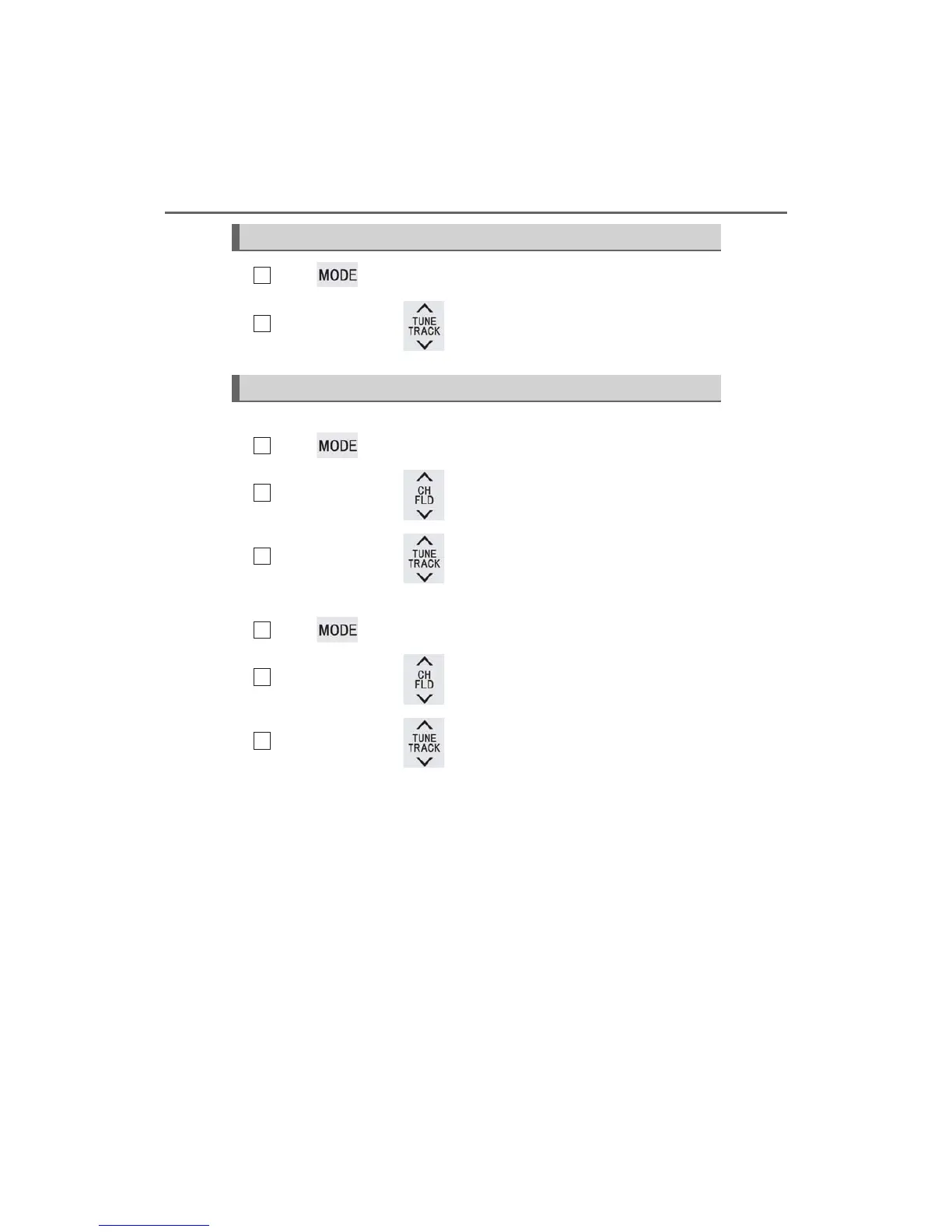
Press to select the DVD player.
Press “” or “” on to select a chapter.
■ MP3 disc or WMA disc
Press to select the DVD player.
Press “” or “” on to select a folder.
Press “” or “” on to select a file.
■ USB memory
Press to select the USB memory.
Press “” or “” on to select a folder.
Press “” or “” on to select a file.
Selecting a chapter (DVD video mode)
Selecting a file
1
2
1
2
3
1
2
3



 To Next Page