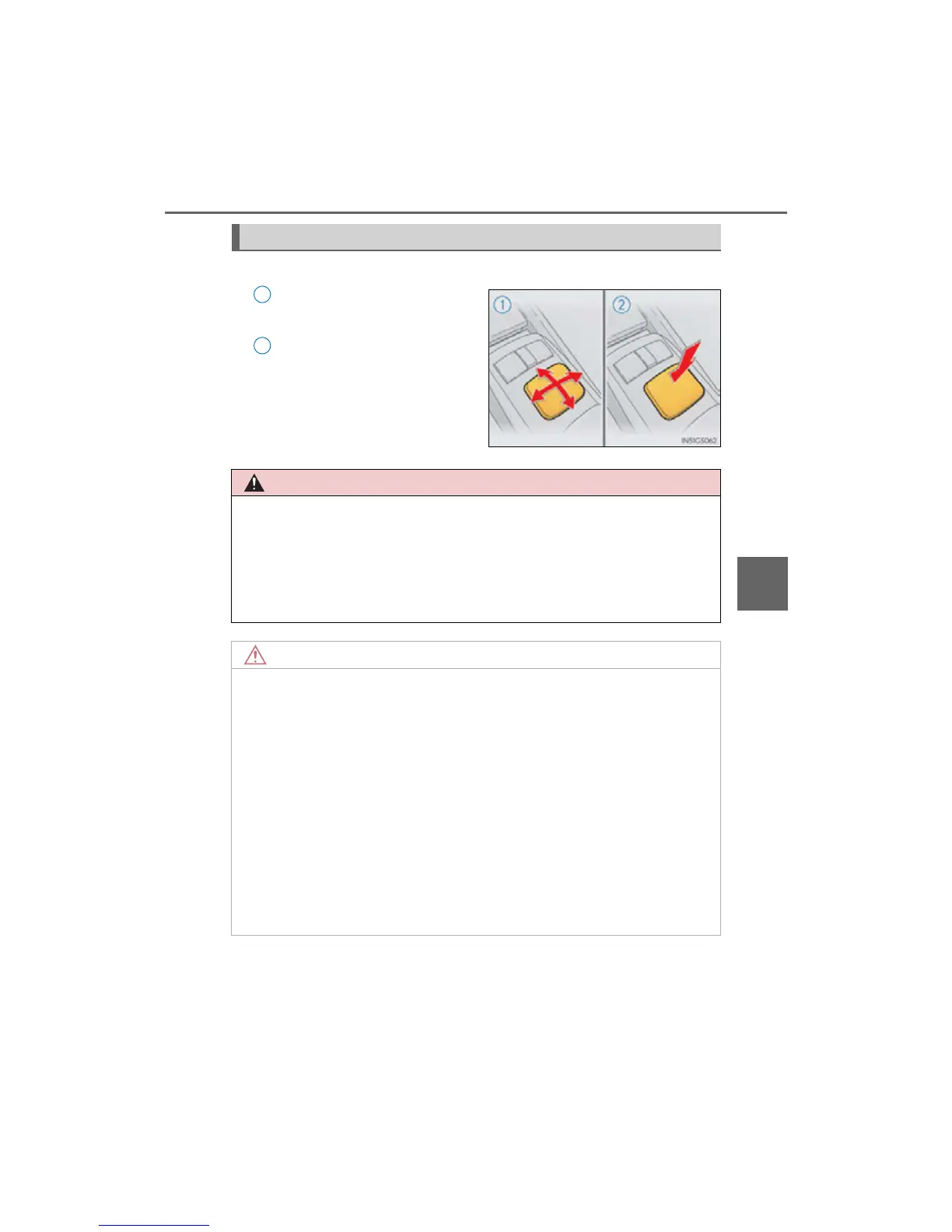
■ When using the Remote Touch
● Do not allow fingers, fingernails or hair to become caught in the Remote Touch as
this may cause an injury.
● Be careful when selecting the Remote Touch in extreme temperatures as it may
become very hot or cold due to the temperature inside the vehicle.
■ To prevent damage to the Remote Touch
● Do not allow the Remote Touch to come into contact with food, liquid, stickers or
lit cigarettes as doing so may cause it to change color, emit a strange odor or stop
functioning.
● Do not subject the Remote Touch to excessive pressure or strong impact as the
knob may bend or break off.
● Do not allow coins, contact lenses or other such items to become caught in the
Remote Touch as this may cause it to stop functioning.
● Items of clothing may rip if they become caught on the Remote Touch knob.
● If your hand or any object is on the Remote Touch knob when the engine switch is
turned to ACCESSORY mode, the Remote Touch knob may not operate prop-
erly.



 To Next Page