GS350_OM_OM30D41U_(U)
489
5-3. Using the audio system
5
Interior features
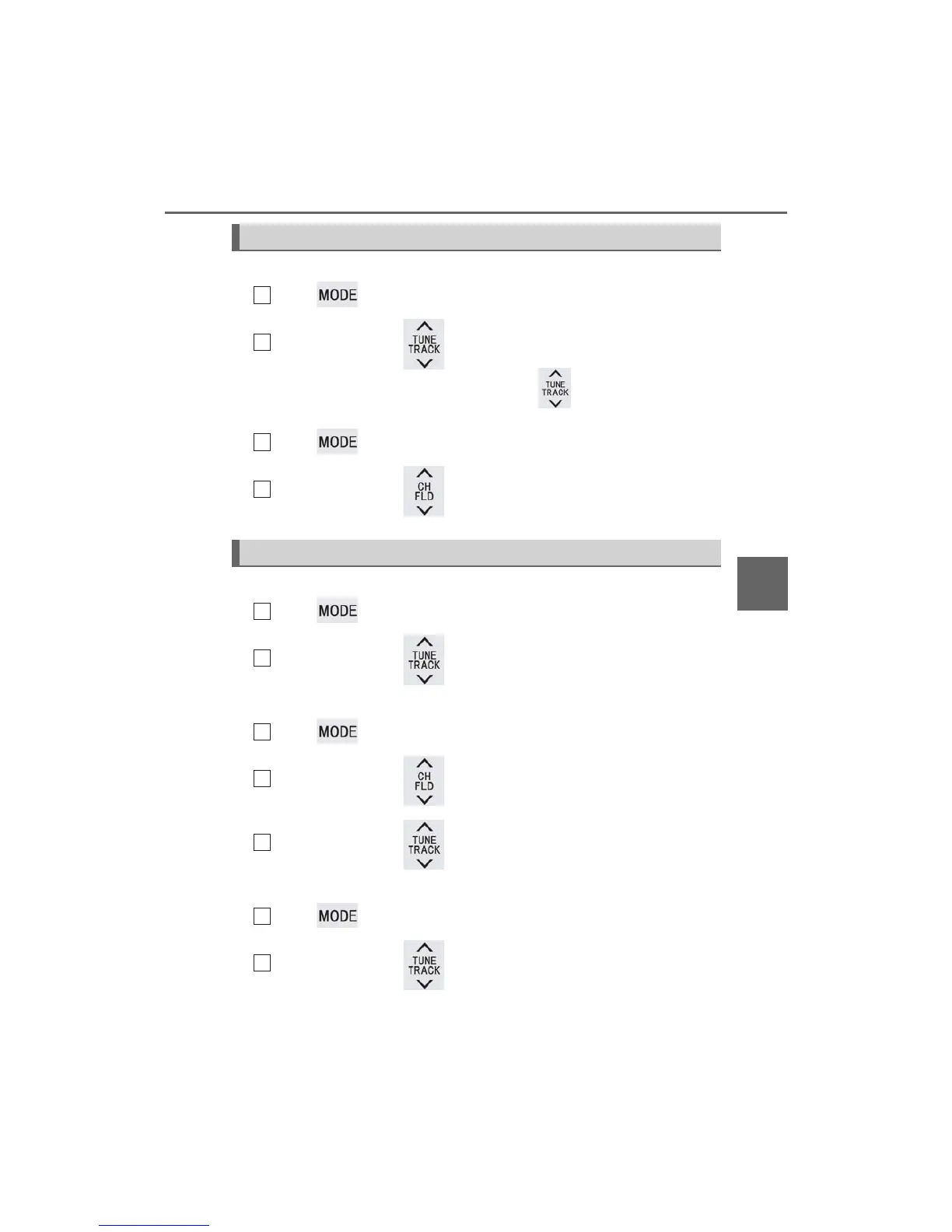
■ Select a radio station
Press to select a frequency band.
Press “” or “” on to seek the frequency.
To scan for receivable stations, press and hold until you hear a beep.
■ Select a preset station
Press to select a frequency band.
Press “” or “” on to select a preset station.
■ Audio CD
Press to select the DVD player.
Press “” or “” on to select a track.
■ Bluetooth
®
audio player
Press to select the Bluetooth
®
audio player.
Press “” or “” on to select an folder.
Press “” or “” on to select a file.
■ iPod
Press to select the iPod.
Press “” or “” on to select a file.
Selecting a radio station
Selecting a track
1



 To Next Page