338
GS350_OM_OM30D41U_(U)
5-1. Remote Touch screen
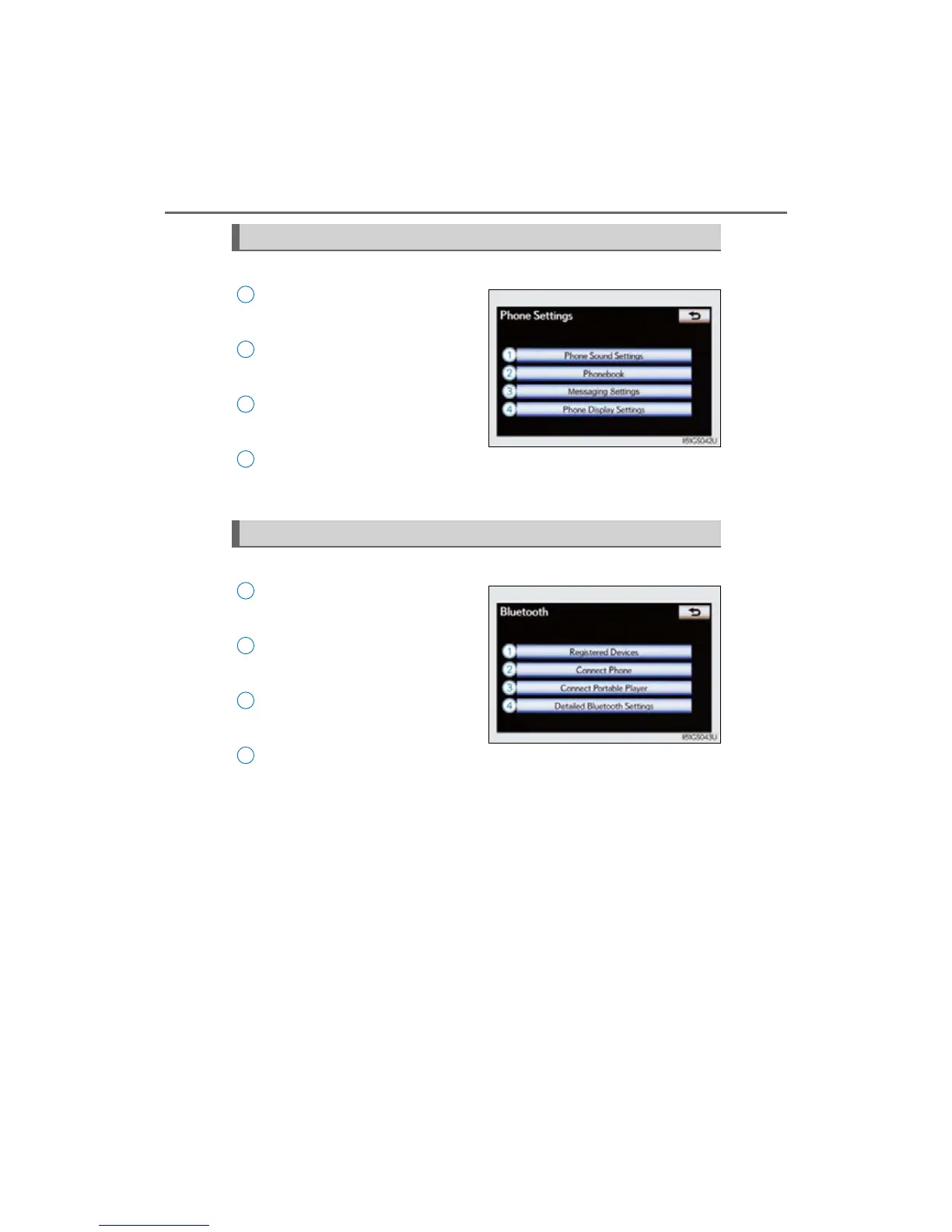
Select “Phone” on the “Setup” screen.
Phone sound settings
Detailed information: P. 525
Phonebook settings
Detailed information: P. 526
Message settings
Detailed information: P. 541
Phone display settings
Detailed information: P. 545
Select “Bluetooth*” on the “Setup” screen.
Registered devices
Detailed information: P. 549
Selecting a Bluetooth
®
phone
Detailed information: P. 555
Selecting portable player
Detailed information: P. 556
Detailed Bluetooth
®
settings
Detailed information: P. 557
*: Bluetooth is a registered trademark
of Bluetooth SIG, Inc.
Phone settings
1
2
3
4
Bluetooth
®
Settings
1
2
3
4



 To Next Page